
Best USB-C Fast Chargers: What to Buy for Phones, Tablets, and Laptops.
A practical USBHubShop guide to choosing the right USB-C charger block by wattage, device type, Power Delivery support, PPS support, cable needs, and everyday setup.
Fast charging only works when the setup matches.
Start with the device, choose the right wattage range, then check USB-C Power Delivery, PPS, and cable support before buying.
Why Trust USBHubShop
USBHubShop helps readers compare USB-C hubs, chargers, cables, docking stations, and accessories using plain-English compatibility guidance.
-
Independent by design
USBHubShop does not manufacture USB-C accessories or sell its own competing charger, cable, hub, or docking station line. -
Compatibility-led, not promotional
Guides are built around device compatibility, charging standards, port support, cable requirements, and practical buyer use cases. -
Clear and accountable
Articles are written under a consistent editorial process with visible update dates, affiliate disclosures, and clear responsibility for corrections. -
Maintained with intent
USB-C standards, charging speeds, cable ratings, device requirements, and product availability can change. Guidance is reviewed and updated as the category evolves.
Affiliate disclosure: USBHubShop may earn a commission when you buy through links on this page, at no extra cost to you. We focus on helping you choose USB-C chargers, charger blocks, cables, hubs, docks, and accessories that match your actual setup.
Quick answer
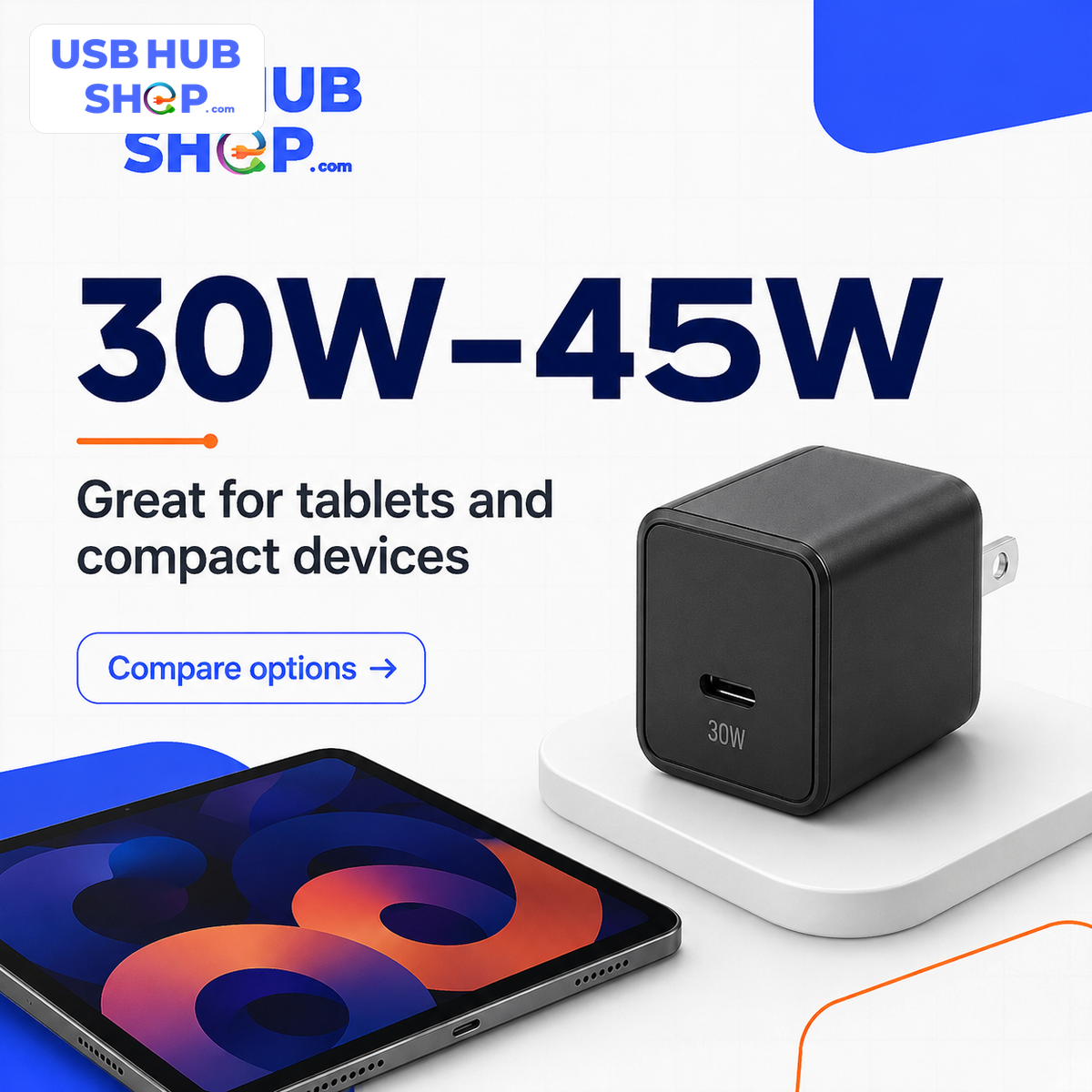
Most phone buyers should start around 20W to 30W. Tablet and compact-device buyers often do well around 30W to 45W. Many laptop and travel setups make more sense around 65W. Larger laptops and multi-device charging stations may need 100W or higher.
The best USB-C fast charger is not always the biggest one. The right choice depends on your device’s charging limit, whether the charger supports USB-C Power Delivery, whether Samsung PPS matters for your phone, how many ports you need, and whether your cable can safely support the wattage.
Match the charger to the device, then check the cable.
A USB-C charger block can offer a wattage range, but the device decides what it can safely accept. The charger, cable, and device all have to support the charging behavior you expect.
USB-C fast charging depends on the charger, cable, device, and charging standard working together.
Start with the device, not the charger number
A USB-C charger block can say 20W, 30W, 45W, 65W, 100W, or even 140W+, but that does not mean every device will charge at that full number. A phone, tablet, laptop, charger, and cable all have to support the right charging behavior.
That is why this guide is different from a generic charger list. Instead of telling you to buy the biggest wall charger, we will match the charger range to the job: phone, tablet, laptop, travel, Samsung PPS, iPhone fast charging, Pixel charging, and multi-device setups.
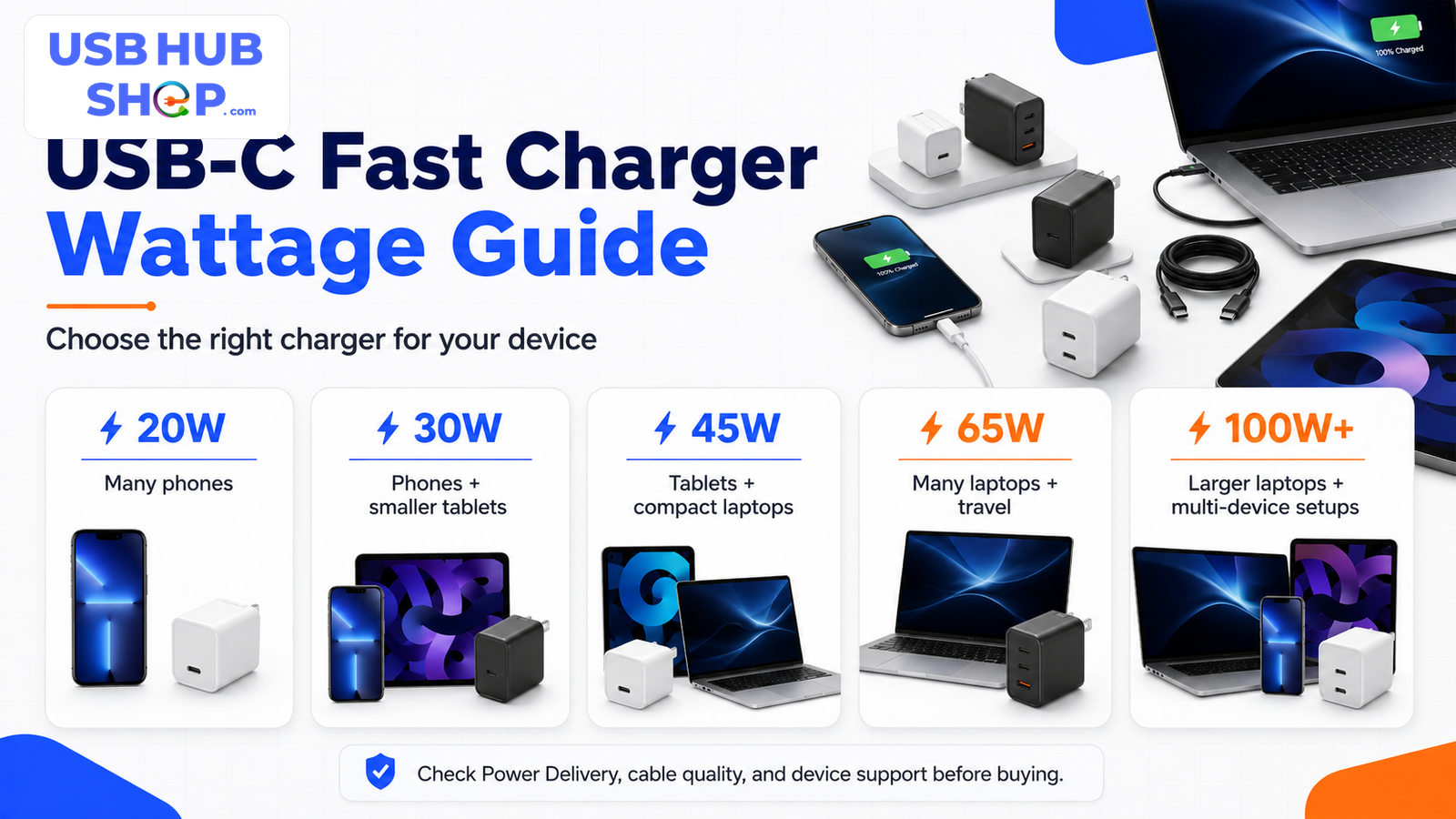
Use the wattage as a starting point, then check Power Delivery, PPS, cable quality, and device support.
Best USB-C fast charger by device type
The easiest way to choose is to ask what you are charging most often. A charger that is perfect for a phone may be too weak for a laptop. A charger that is great for a laptop may be unnecessary for a bedside phone-only setup.
| Device or use case | Good wattage range | What matters most | Best next step |
|---|---|---|---|
| iPhone | 20W to 30W | USB-C Power Delivery and the right USB-C cable or USB-C to Lightning cable, depending on iPhone model. |
Start with the iPhone-specific guide.
Read iPhone charger guide |
| Samsung Galaxy | 25W to 45W | USB-C PD and PPS support are important for many Samsung Super Fast Charging setups. |
Check PPS before buying.
Read Samsung charger guide |
| Google Pixel | 30W+ for many newer setups | USB-C PD and PPS support can matter depending on the Pixel model. |
Match charger support to your Pixel model.
Read Pixel charger guide |
| iPad or tablet | 30W to 45W | Enough wattage for faster charging without jumping straight to a large laptop brick. |
Compare the common charger ranges.
Compare 20W / 30W / 45W |
| MacBook Air or thin laptop | 45W to 65W | Laptop charging needs more headroom than phone charging, especially while working. |
65W is a strong laptop starting point.
Check 65W options |
| Larger laptop | 100W to 140W+ | Higher wattage, the right cable, and laptop compatibility matter more than size alone. |
Check cable and laptop requirements first.
Read laptop charger guide |
| Multi-device desk or travel setup | 65W to 140W+ | Total shared output, port layout, and power split matter more than the headline wattage. |
Compare multi-port power split behavior.
Read multi-port charger guide |
| Car or travel bag | 30W to 65W | Compact size, foldable prongs, dual-port output, and safe cable pairing. |
Shop compact USB-C fast chargers.
Compare fast chargers |
20W to 30W
A practical starting range for many phone charging setups, bedside chargers, and compact travel kits.
Tablet / compact device30W to 45W
A better range for tablets, compact devices, some Samsung setups, and light charging headroom.
Laptop / travel65W+
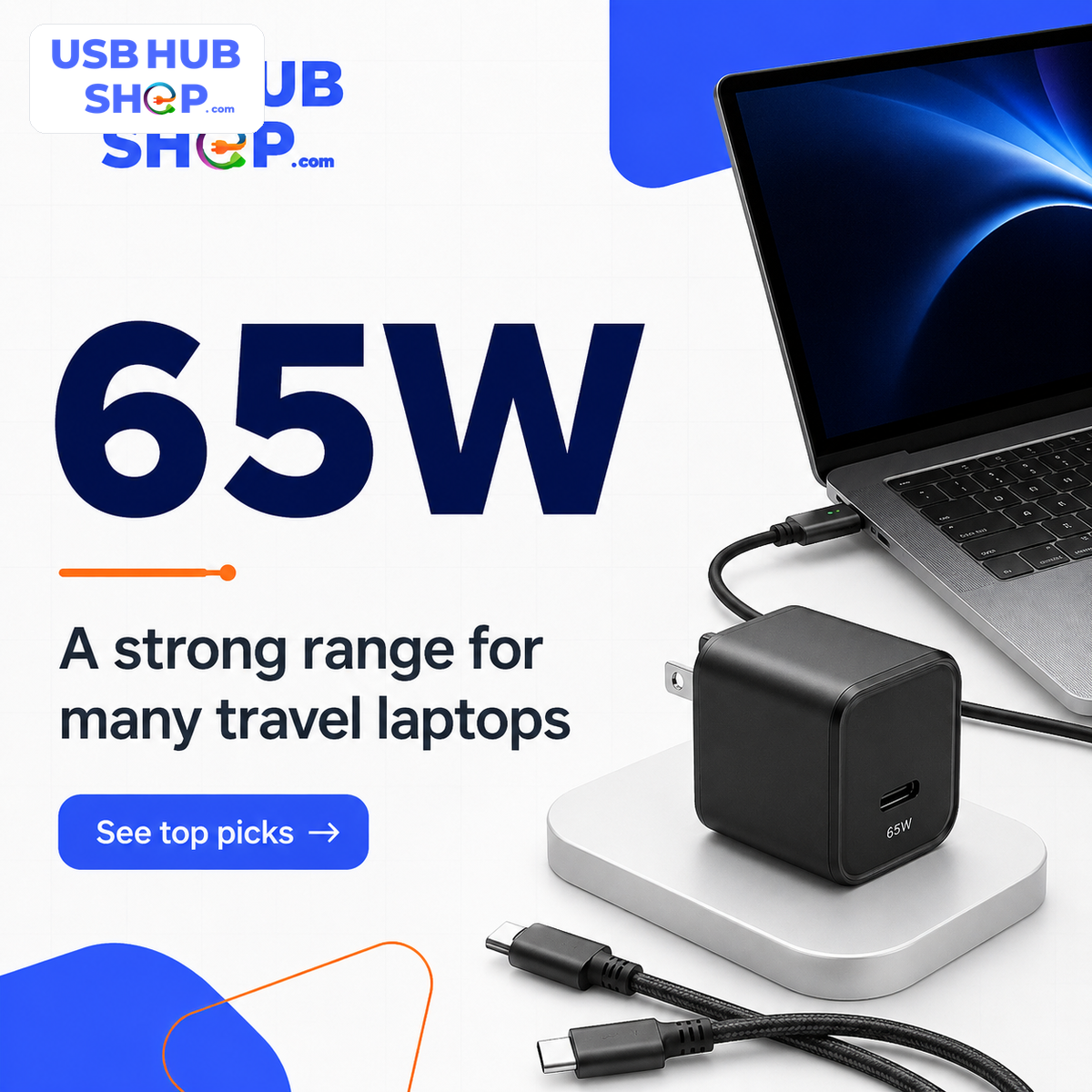
A stronger range for many laptop chargers, one-bag travel setups, and multi-device charging needs.
20W vs 30W vs 45W vs 65W vs 100W explained
USB-C fast charging is easier when you treat wattage as a range, not a promise. The charger can offer a maximum wattage, but the device chooses what it can safely accept. The cable also has to support the power level.
| Charger wattage | Best for | What to check | Best next step |
|---|---|---|---|
| 20W | Many phones, bedside charging, simple travel kits. | Make sure your phone supports USB-C fast charging and use the right cable. |
Good phone-first starting point.
Read 20W charger guide |
| 30W | Phones, small tablets, compact charging kits. | Good phone headroom, but still check device limits. |
Useful upgrade from basic phone chargers.
See 30W options |
| 45W | Tablets, some compact laptops, Samsung Super Fast Charging 2.0 capable setups. | Samsung users should check PPS support and cable requirements. |
Check PD/PPS before buying.
Read PD / PPS guide |
| 65W | Many laptops, travel chargers, dual-device setups. | Check whether output drops when multiple ports are used. |
Good laptop travel range.
Check 65W options |
| 100W | Laptops, docking setups, higher-power charging, some multi-device chargers. | Use a cable rated for the power level and verify the laptop can charge by USB-C. |
Better for heavier laptop setups.
Compare 65W vs 100W |
| 140W+ | Larger laptops, newer high-power USB-C charging, power-user workstations. | Check USB PD 3.1/EPR support and cable rating before buying. |
Cable rating becomes more important.
Check cable requirements |
USB-C charger block vs cable vs charging speed
A “USB-C fast charger” is not just the wall block. Fast charging usually depends on the charger, cable, and device working together.
The wall charger provides the power.
Look for wattage, USB-C Power Delivery support, number of ports, and PPS support when needed.
Cable checkThe cable can limit the charger.
A weak, charge-only, or low-rated cable can stop a strong charger from delivering the speed you expected.
Charging speedThe device decides what it accepts.
Your phone, tablet, or laptop chooses the safe charging rate. A 100W charger does not force every device to charge at 100W.
Why USB-C Power Delivery matters
USB-C Power Delivery, usually shortened to USB-C PD, is the main fast-charging standard to look for when buying a modern USB-C charger. It helps compatible devices and chargers negotiate the right power level instead of treating every charger like a basic low-power adapter.
USB PD is especially important for laptops, tablets, newer phones, and multi-port chargers. For higher wattage setups, the cable rating also becomes more important.
Do not shop by connector shape alone
USB-C is the connector shape. It does not automatically mean the charger supports the wattage, charging protocol, or cable behavior your device needs.
Why PPS matters for some Samsung phones
Samsung buyers should pay special attention to PPS, which stands for Programmable Power Supply. Some Samsung fast charging modes depend on compatible charger and cable support. A charger can be USB-C and still fail to deliver the Samsung charging behavior you expected if the right PD/PPS support is missing.
If you are shopping for a Galaxy phone, do not just search for “fast charger USB-C.” Look for a USB-C charger that clearly lists USB-C PD and PPS support, then check the wattage and cable requirements for your exact device.
Best charger type by use case
Once you know your wattage range, choose the charger style. A single-port charger is simple. A multi-port charger is more flexible. A PPS charger matters when your device needs that protocol.
Single-port charger block
Best when you want one phone, tablet, or laptop to receive the charger’s clearest available output.
Multi-deviceMulti-port USB-C charger
Best for desks, travel bags, and charging several devices from one compact adapter.
Samsung / AndroidPPS charger
Important when you want to match Samsung Super Fast Charging behavior or other PPS-supported charging setups.
What to check before buying a USB-C fast charger
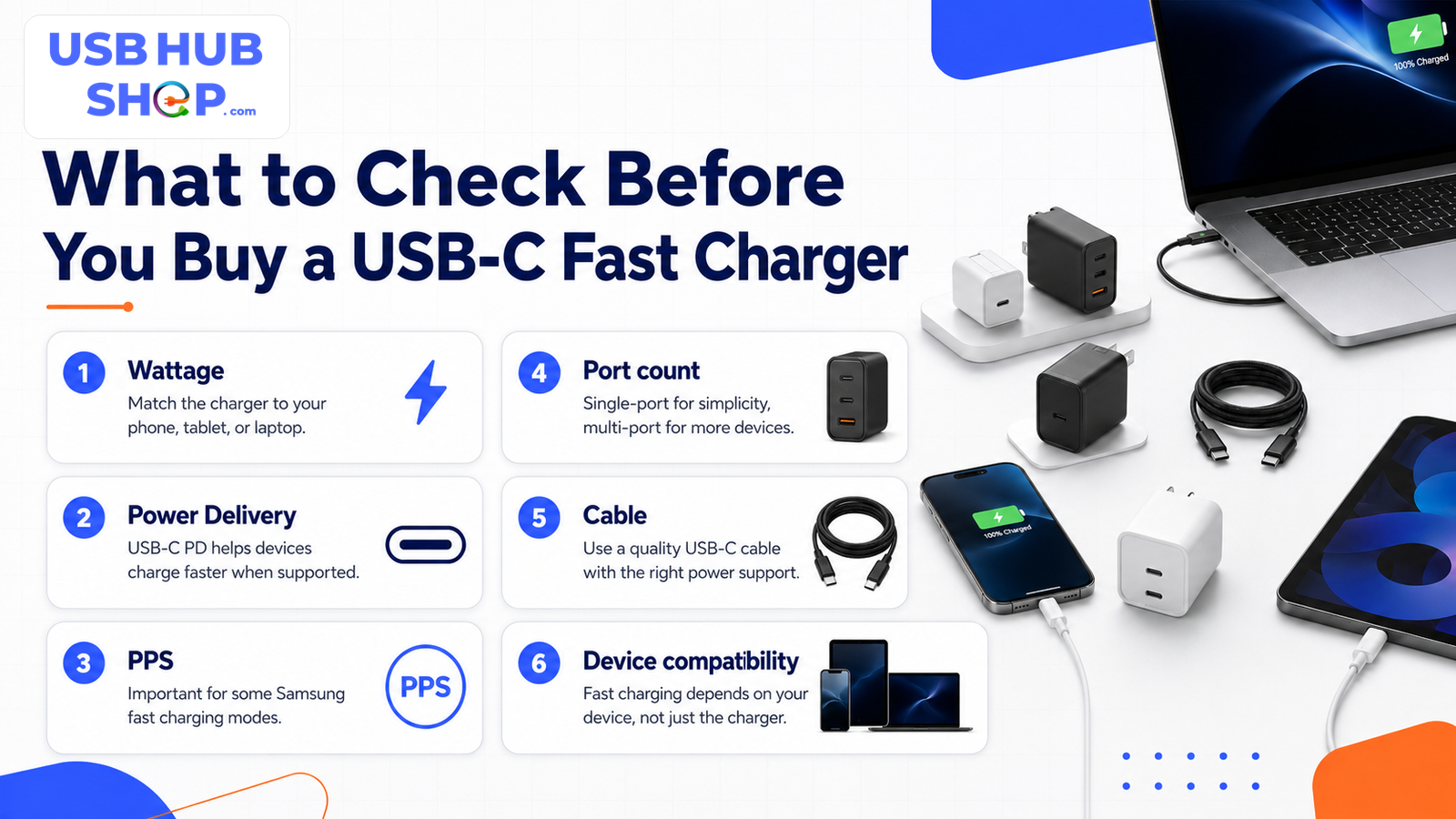
Before buying, check the charger, cable, and device together.
1. Wattage
Match the charger range to the device. A 20W charger can be great for phones, while laptops often need much more.
2. Power Delivery
Look for USB-C PD support when buying a fast charger for modern phones, tablets, and laptops.
3. PPS
Samsung Galaxy users should check whether PPS is required for the fast charging mode they expect.
4. Port count
One port usually gives the clearest output. Multi-port chargers are convenient but may split power.
5. Cable rating
Higher wattage chargers need a cable that can safely support the power level.
6. Device compatibility
Fast charging depends on the device’s support, not just the charger’s label.
Common mistakes to avoid
Buying the biggest wattage for every device
A 100W charger can be useful, but many phones will not use that full output. Buy for the setup, not the largest number.
Ignoring the cable
A weak or charge-only cable can limit your charger. Check the cable’s power rating and connector type.
Assuming all USB-C chargers are PD chargers
USB-C is the port shape. Look for Power Delivery support when fast charging matters.
Forgetting PPS for Samsung
Some Samsung fast charging behavior depends on PPS support. A generic charger may not perform the way you expect.
The best USB-C fast charger is the one that matches the setup.
The best USB-C fast charger for most people is not the most expensive one. It is the one that matches the device, supports the right charging standard, uses the right cable, and fits the way you actually charge.
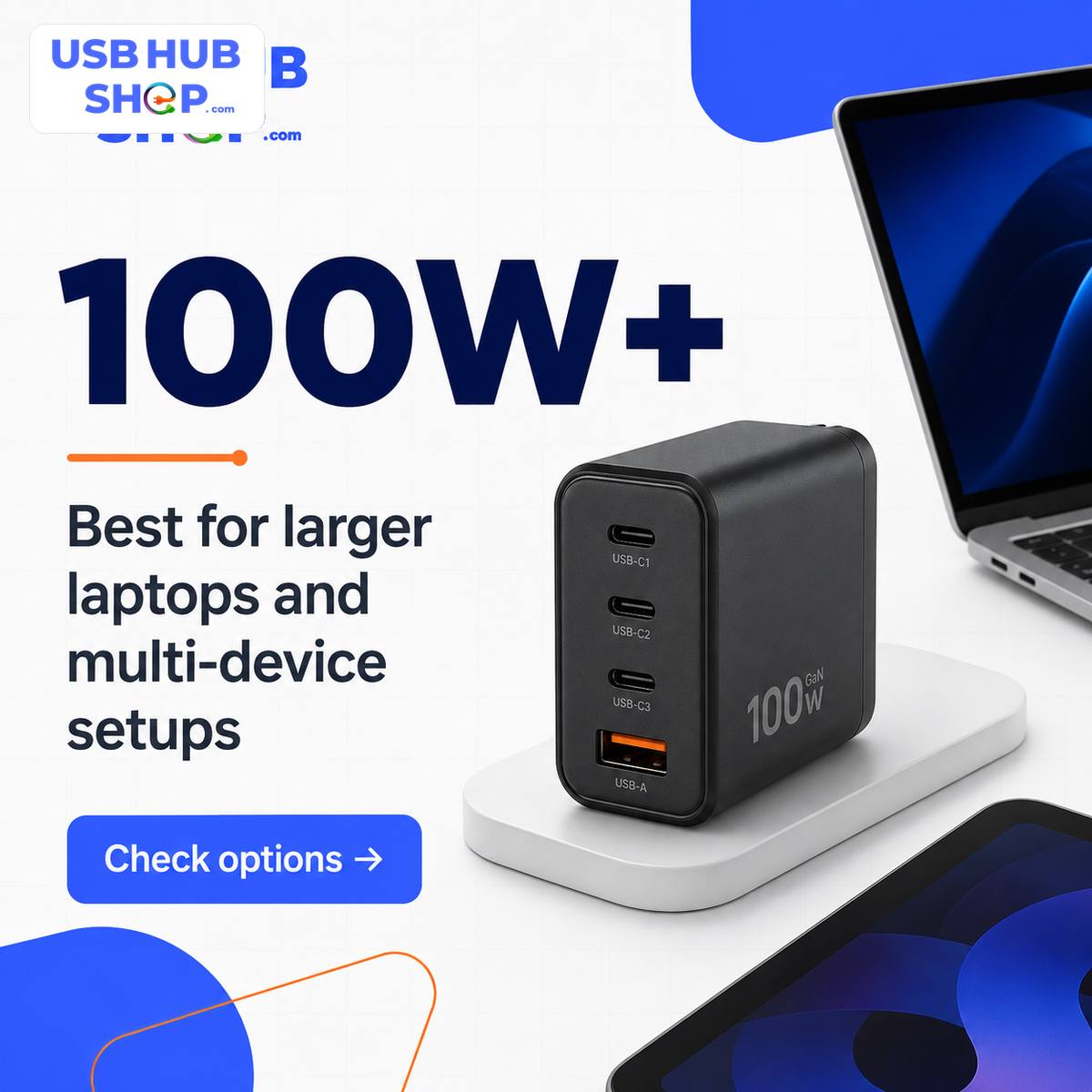
For a phone-only setup, start around 20W to 30W. For tablets and compact devices, look around 30W to 45W. For one-bag laptop charging, 65W is a strong range. For bigger laptops or multi-device setups, look at 100W or higher and pay close attention to cable rating and port power distribution.
USBHubShop takeaways worth sharing
Which USB-C fast charger should you actually buy?
If you are only charging a phone, start simple. A compact USB-C charger in the 20W to 30W range is often the cleaner choice. If you charge a tablet, a compact laptop, or a Samsung phone that benefits from PPS, move into the 30W to 45W range and check the exact charger specs.
If you want one charger for a laptop and a phone, 65W is usually the better starting point. If you are charging a larger laptop or several devices from one adapter, look at 100W or higher and pay close attention to cable rating, port layout, and how the charger splits power when multiple ports are used.
Ready to compare USB-C fast chargers?
Use the shopping paths below when you already know your wattage range. For more education first, start with the USB-C charging speed and Power Delivery guides.
As an Amazon Associate, USBHubShop may earn from qualifying purchases.FAQ: USB-C fast chargers
Is a 20W USB-C charger enough?
For many phones, a 20W USB-C charger is a practical fast-charging range. It may not be enough for tablets, laptops, or multi-device chargers.
Should I buy a 30W or 45W USB-C charger?
A 30W charger is a strong phone and compact-device choice. A 45W charger may make more sense for tablets, compact laptops, and some Samsung fast-charging setups when the device supports it.
Is 65W enough for a laptop?
65W is a strong starting point for many thin laptops and travel setups, but larger laptops may need 100W or more. Always check your laptop’s charging requirements.
Does a 100W charger charge a phone too fast?
A compatible phone should only draw what it can safely accept. The better question is whether the 100W charger supports the right charging standard and whether it is worth the size and price for your setup.
Do I need PPS for Samsung fast charging?
Many Samsung Super Fast Charging setups rely on USB-C PD and PPS support. If you are buying for a Galaxy phone, look for PPS in the charger specs and check your phone’s supported charging mode.
Does the USB-C cable matter for fast charging?
Yes. The cable must have the right connector and power support. For higher wattage charging, cable rating matters more.
Sources and product details checked
USBHubShop reviewed current manufacturer and standards guidance before writing this guide. The key buying principle is simple: fast charging depends on the device, the charger, the charging standard, and the cable working together.
