
Fast iPhone Chargers: What to Buy for the Fastest Safe Charge.
The fastest iPhone charging setup is not just about buying the highest-watt charger. The charger, cable, iPhone model, and wired-versus-wireless choice all matter.
Fast charging is a setup.
The charger, cable, iPhone model, and charging method all have to match.
Why Trust USBHubShop
USBHubShop helps readers compare USB-C hubs, chargers, cables, docking stations, and accessories using plain-English compatibility guidance.
-
Independent by design
USBHubShop does not manufacture USB-C accessories or sell its own competing charger, cable, hub, or docking station line. -
Compatibility-led, not promotional
Guides are built around device compatibility, charging standards, port support, cable requirements, and practical buyer use cases. -
Clear and accountable
Articles are written under a consistent editorial process with visible update dates, affiliate disclosures, and clear responsibility for corrections. -
Maintained with intent
USB-C standards, charging speeds, cable ratings, device requirements, and product availability can change. Guidance is reviewed and updated as the category evolves.
Affiliate disclosure: USBHubShop may earn a commission when you buy through links on this page, at no extra cost to you. We focus on helping you choose the right iPhone charger, cable, and charging setup for your actual device.
Quick answer
For most iPhone users, the fastest simple charging setup is a USB-C Power Delivery charger with the correct cable. Use USB-C to USB-C for USB-C iPhones, and USB-C to Lightning for older Lightning iPhones. MagSafe is cleaner and more convenient, but wired USB-C is usually the better speed move.
Buy the whole charging setup, not just the plug.
A fast iPhone charger only works as expected when the adapter, cable, iPhone model, and charging standard all line up. A weak cable can make a good charger feel slow. A wireless charger can look premium and still charge slower than wired USB-C.
What makes an iPhone charge fast?
Fast iPhone charging depends on the charging path. For wired charging, that usually means a USB-C Power Delivery charger and the right cable for your iPhone. For wireless charging, that means MagSafe or Qi2-compatible charging hardware.
The mistake is buying based on vague listing language like “fast charger” or “high speed.” Those words do not tell you whether the charger supports USB-C Power Delivery, whether the cable is right, or whether your iPhone model can use the extra power.
Wired USB-C is the speed path
For most people who care about charging speed, a USB-C PD wall charger with the right cable is the cleanest move.
MagSafe is the convenience path
MagSafe and Qi2 are excellent for desks, nightstands, and clean setups, but wired charging is usually the faster everyday choice.
Wired USB-C vs MagSafe vs old iPhone chargers
The charger that feels fastest depends on what you are comparing. A modern USB-C PD charger is a major upgrade over an old 5W adapter. MagSafe is easier to use than plugging in a cable, but wireless charging can be less efficient and slower than a properly matched wired setup.
Fastest everyday route
Use a USB-C Power Delivery charger and the correct cable for your iPhone model.
Cleaner setup
Great for desks and nightstands when convenience matters more than maximum wired speed.
Slowest route
Fine for overnight charging, but not the move when you need your battery back quickly.
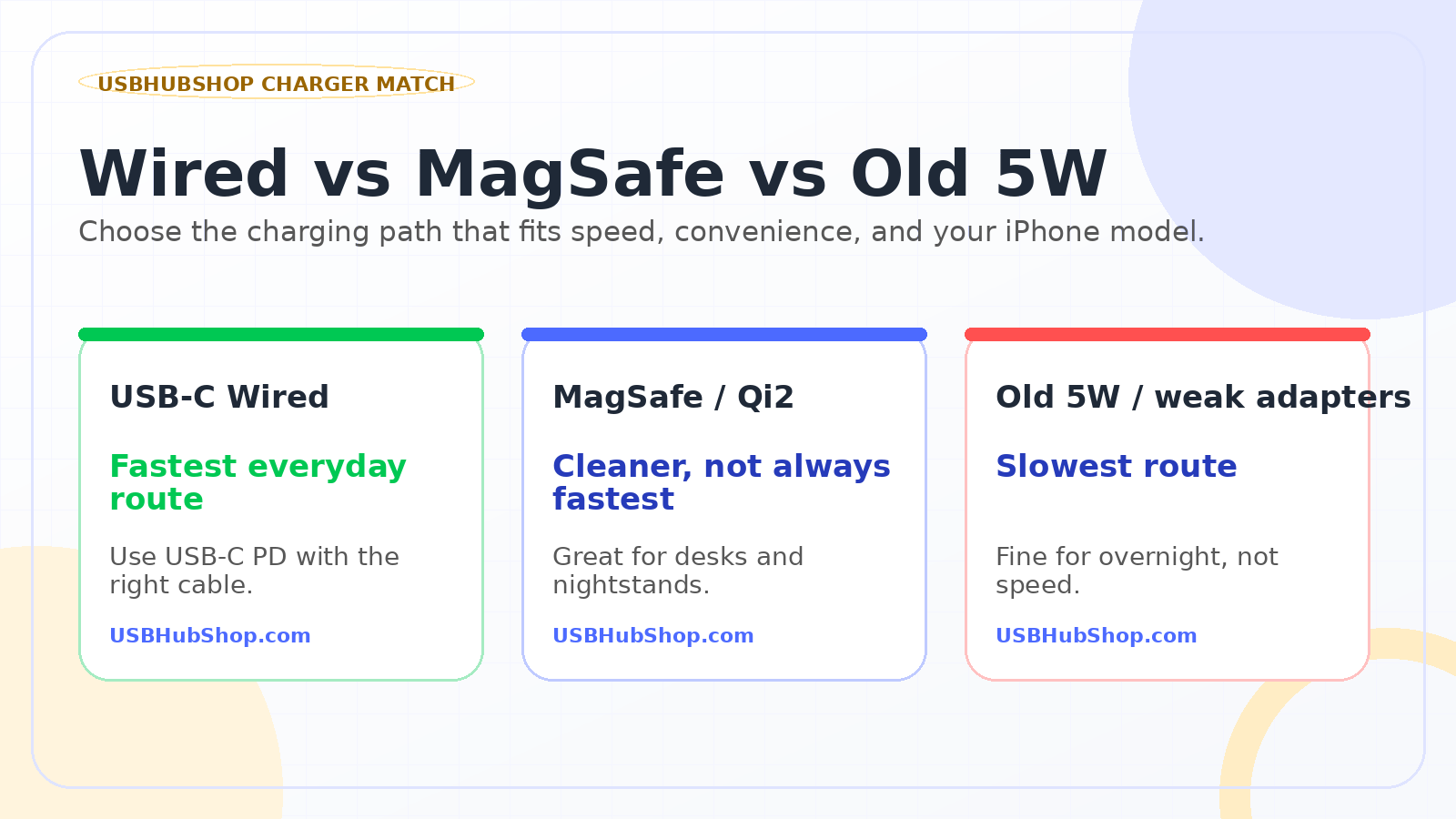
Visual guide: wired USB-C is usually the fastest route, MagSafe is cleaner, and old low-watt adapters are best left for slow overnight charging.
Is 20W enough for fast iPhone charging?
For many iPhone users, yes. A 20W USB-C charger is often enough for simple fast charging, especially if you are charging one iPhone with the right cable.
But 20W is not always the best long-term buy. If you also charge an iPad, travel with one charger, use MagSafe, or want more flexibility for future devices, a 30W charger often makes more sense.
20W is good for one phone
Best when you want a small, simple charger for one iPhone and do not need extra headroom.
30W gives more room
Better for iPhone plus travel, MagSafe support, tablets, or future charging flexibility.
What cable do you need?
The cable is where a lot of fast-charging setups quietly fail. You can buy a good charger and still get disappointing results if the cable does not match your iPhone and use case.
| iPhone / Setup | Likely cable | What to check | Best move |
|---|---|---|---|
| iPhone 15 or later | USB-C to USB-C | USB-C PD charger, cable quality, power support | Use a reputable USB-C cable and 20W+ USB-C charger |
| iPhone 14 or earlier | USB-C to Lightning | MFi certification, USB-C PD charger, cable durability | Use a trusted USB-C to Lightning cable |
| MagSafe charging | MagSafe or Qi2 charger | Adapter wattage, charger compatibility, alignment | Buy for convenience and stable wireless behavior |
| Car or travel setup | Depends on port and iPhone model | USB-C PD support, cable length, reliability | Choose durable cables and enough wattage for the trip |
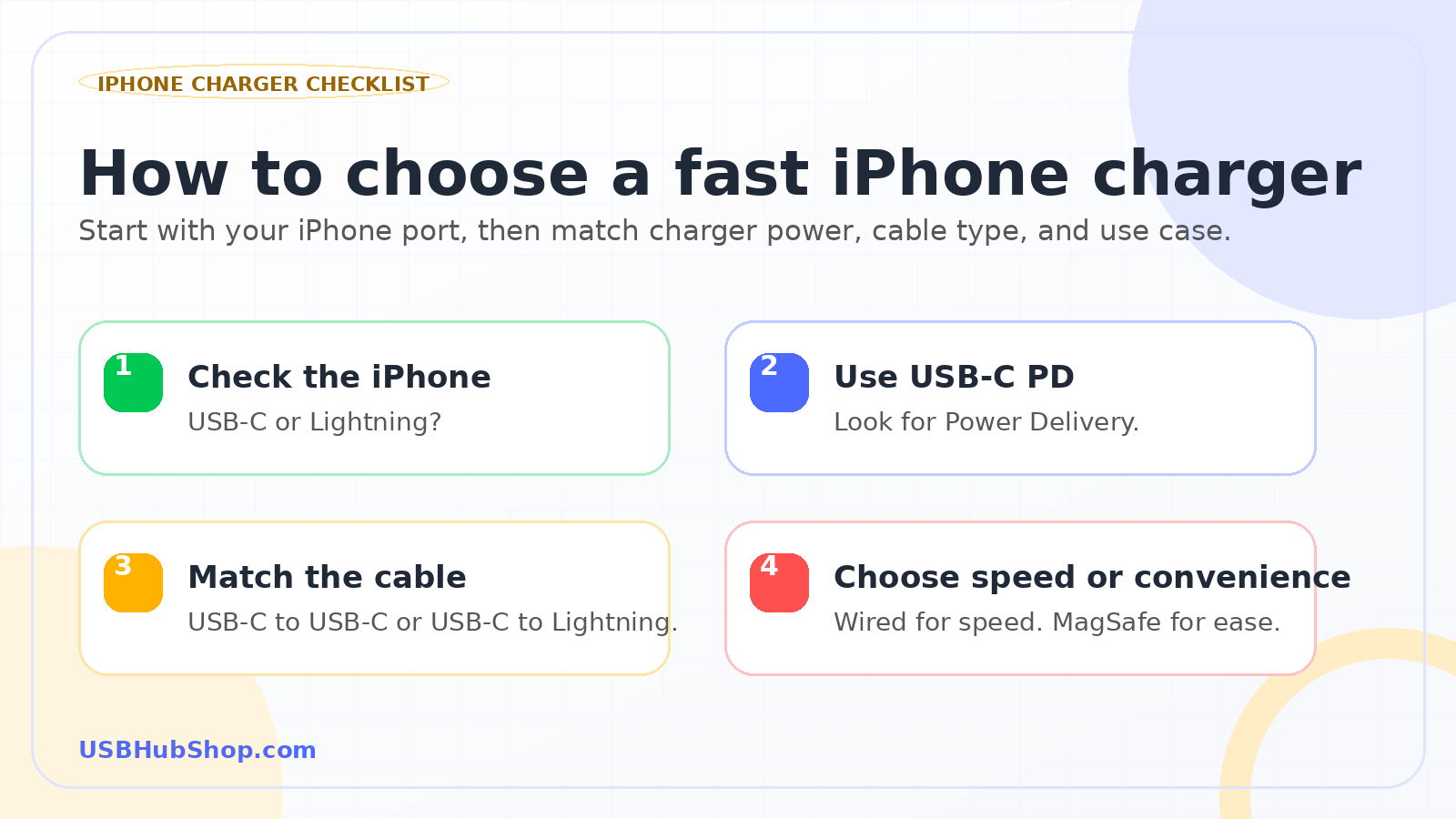
Checklist: start with your iPhone port, use USB-C Power Delivery, match the cable, then decide whether you care more about speed or convenience.
Should you buy 20W, 30W, or more?
Do not buy wattage like it is a trophy. Buy the charger that fits your actual setup.
| Charger wattage | Best for | Skip if | Better choice |
|---|---|---|---|
| 20W | Simple iPhone fast charging | You want one charger for phone, tablet, travel, and MagSafe | 30W |
| 30W | Better everyday iPhone charger with extra headroom | You need laptop charging or multiple ports | 45W, 65W, or multi-port |
| 45W+ | Travel, tablets, compact laptops, and larger setups | You only charge one iPhone overnight | 20W or 30W |
| Multi-port charger | Phone, watch, earbuds, tablet, and travel setups | You want the smallest wall plug possible | Single-port 20W or 30W |
What not to buy
Do not buy an iPhone charger just because the listing says “fast.” Look for USB-C Power Delivery, enough wattage, the correct cable type, and a reputable brand. Also avoid charge-only cables if you need data, CarPlay, or device syncing.
Fast iPhone charging is a setup, not a single accessory.
The best charger is the one that matches your iPhone, your cable, and the way you actually charge.
USBHubShop takeaways worth sharing
Does MagSafe charge as fast as USB-C?
Usually, wired USB-C charging is the better choice when speed matters most. MagSafe is still excellent for convenience because it is easy to drop your iPhone onto a charger at a desk, nightstand, or workspace.
So the question is not “which one is better?” The better question is: do you want the fastest charging session, or do you want the easiest charging habit?
Can a bigger charger hurt your iPhone?
A reputable USB-C charger with proper charging standards does not force your iPhone to take more power than it can use. Your iPhone negotiates charging behavior with the charger. That is why you can use a higher-watt USB-C charger when it meets the right standards.
The issue is not “bigger charger equals dangerous.” The issue is buying unknown, poorly made, or unclear charging gear. Stay with reputable brands and match the charger to the job.
What fast iPhone charger should you buy?
For most people, start with a 20W or 30W USB-C Power Delivery charger. Choose 20W if you want the simplest iPhone charger. Choose 30W if you want more headroom for travel, MagSafe, iPad use, or future devices.
Simple iPhone charging
Choose a 20W USB-C charger with the correct cable for your iPhone.
Better everyday setup
Choose a 30W USB-C charger if you want more flexibility and cleaner long-term value.
Travel or multi-device
Choose a multi-port charger or higher-watt charger if you charge more than one device.
Simple buying rule
Buy 20W for one iPhone. Buy 30W for a stronger everyday charger. Buy MagSafe or Qi2 for convenience. Buy multi-port if your charger has to serve your whole bag.
As an Amazon Associate, USBHubShop may earn from qualifying purchases.People also ask
What charger makes an iPhone charge fastest?
For most users, a USB-C Power Delivery charger with the correct cable is the fastest simple wired charging setup. USB-C iPhones use USB-C to USB-C cables, while Lightning iPhones use USB-C to Lightning cables.
Is a 20W charger enough for fast iPhone charging?
Yes, 20W is enough for many iPhone fast-charging needs. Choose 30W if you want more flexibility for travel, MagSafe, tablets, or future devices.
Is 30W better than 20W for iPhone?
30W can be a better everyday buy because it gives more charging headroom, especially if you also use MagSafe, charge an iPad, or want one charger for more situations.
Does MagSafe charge as fast as USB-C?
Usually, wired USB-C charging is faster than MagSafe. MagSafe is better for convenience, clean desk setups, and easy drop-and-charge use.
What cable do I need for fast iPhone charging?
For USB-C iPhones, use a USB-C to USB-C cable. For Lightning iPhones, use a USB-C to Lightning cable. Cable quality and compatibility matter for charging reliability.
Can I use a higher-watt charger with my iPhone?
Yes, a reputable higher-watt USB-C charger can be used when it supports proper charging standards. The iPhone controls how much power it accepts.
Sources and standards checked
USBHubShop reviewed this guide against Apple’s fast-charging guidance, Apple’s USB-C iPhone support, Apple’s iPhone power adapter guidance, and Apple’s current MagSafe charging information.
