
What Does Apple MFi Certified Mean? Before You Buy a Cable or Charger.
MFi certification can still matter a lot — but mostly when Lightning accessories are involved. If you have a USB-C iPhone, the buying question changes.
MFi matters most for Lightning.
USB-C iPhones changed the question. Start with the connector, then check the right standard.
Why Trust USBHubShop
USBHubShop helps readers compare USB-C hubs, chargers, cables, docking stations, and accessories using plain-English compatibility guidance.
-
Independent by design
USBHubShop does not manufacture USB-C accessories or sell its own competing charger, cable, hub, or docking station line. -
Compatibility-led, not promotional
Guides are built around device compatibility, charging standards, port support, cable requirements, and practical buyer use cases. -
Clear and accountable
Articles are written under a consistent editorial process with visible update dates, affiliate disclosures, and clear responsibility for corrections. -
Maintained with intent
USB-C standards, charging speeds, cable ratings, device requirements, and product availability can change. Guidance is reviewed and updated as the category evolves.
Affiliate disclosure: USBHubShop may earn a commission when you buy through links on this page, at no extra cost to you. We focus on helping you choose Apple and USB-C accessories that match your actual device and setup.
Quick answer
Apple MFi certified means an accessory is made for Apple devices under Apple’s accessory program. For shoppers, MFi matters most when buying Lightning cables, USB-C to Lightning cables, older iPhone accessories, and some Apple-compatible charging accessories. For USB-C to USB-C cables, the better question is usually power, data speed, durability, and device compatibility.
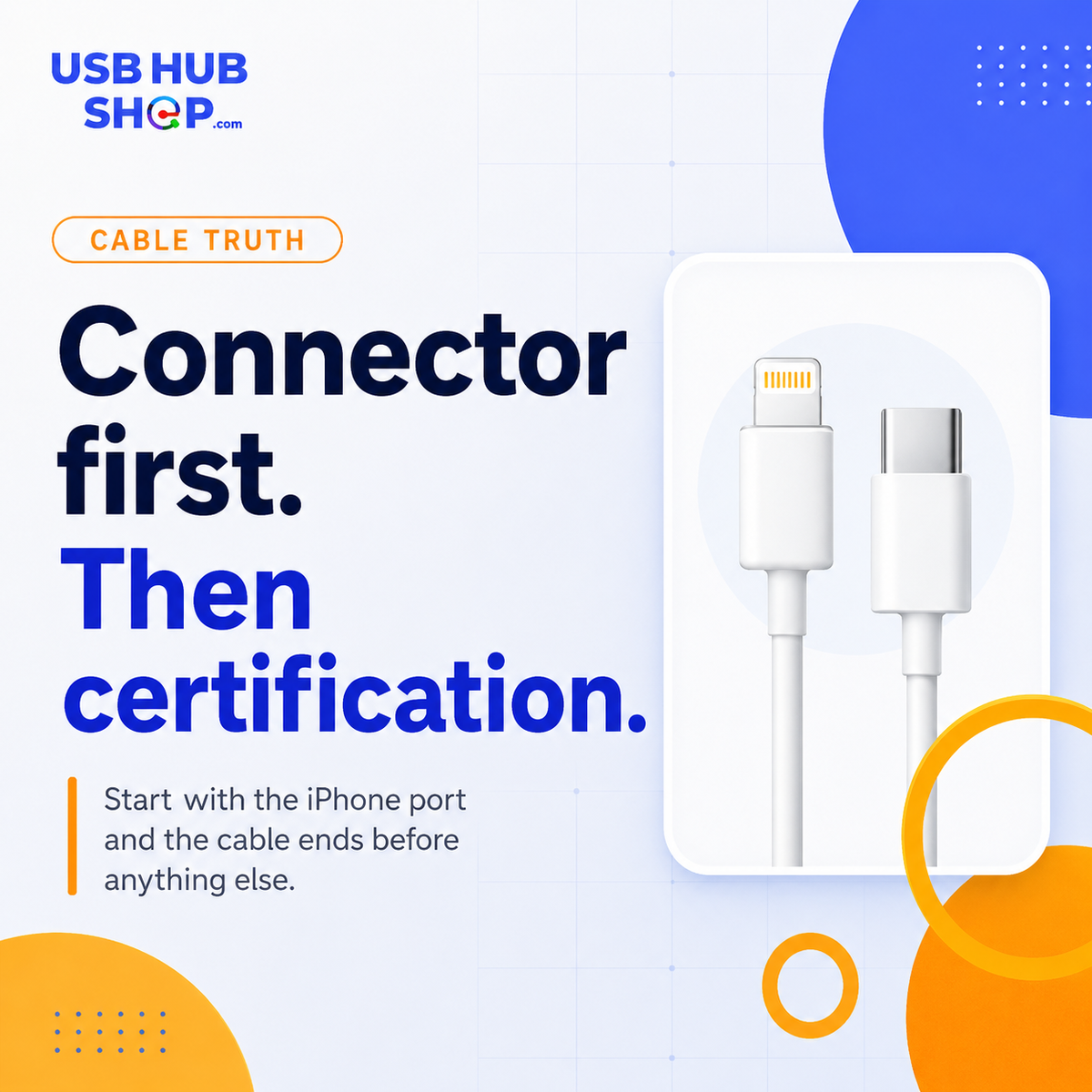
Connector first. Certification second.
If your iPhone or accessory uses Lightning, MFi is still an important buying filter. If your iPhone uses USB-C, focus on the cable’s wattage support, data speed, build quality, and what you need the cable to do.
What does Apple MFi certified mean?
MFi is Apple’s accessory program for products designed to work with Apple devices. In everyday buyer language, it is most commonly seen on accessories labeled for iPhone, iPad, iPod, Apple Watch, and Apple-compatible charging or connection products.
The important part is this: MFi is not just a decorative badge. For Lightning accessories, it helps separate accessories designed for Apple compatibility from random cables that may charge poorly, connect unreliably, or fail sooner than expected.
MFi matters most
When you are buying USB-C to Lightning cables, Lightning cables, older iPhone accessories, or Lightning-connected gear.
USB-C changes the question
For USB-C to USB-C cables, look at power rating, data speed, durability, video support, and device compatibility.
Where MFi matters — and where USB-C changes the question
Before buying an iPhone cable, figure out what connector your device actually uses. Older iPhones use Lightning. Newer iPhones use USB-C. That one detail changes what you should look for.
MFi matters
For USB-C to Lightning and Lightning accessories, MFi certification is still one of the strongest buying filters.
Different question
For USB-C to USB-C, focus on wattage, data speed, cable quality, and whether the cable fits the job.
Compatibility first
For wireless charging, look for safe design, device compatibility, MagSafe or Qi2 support where relevant, and reliable charging behavior.
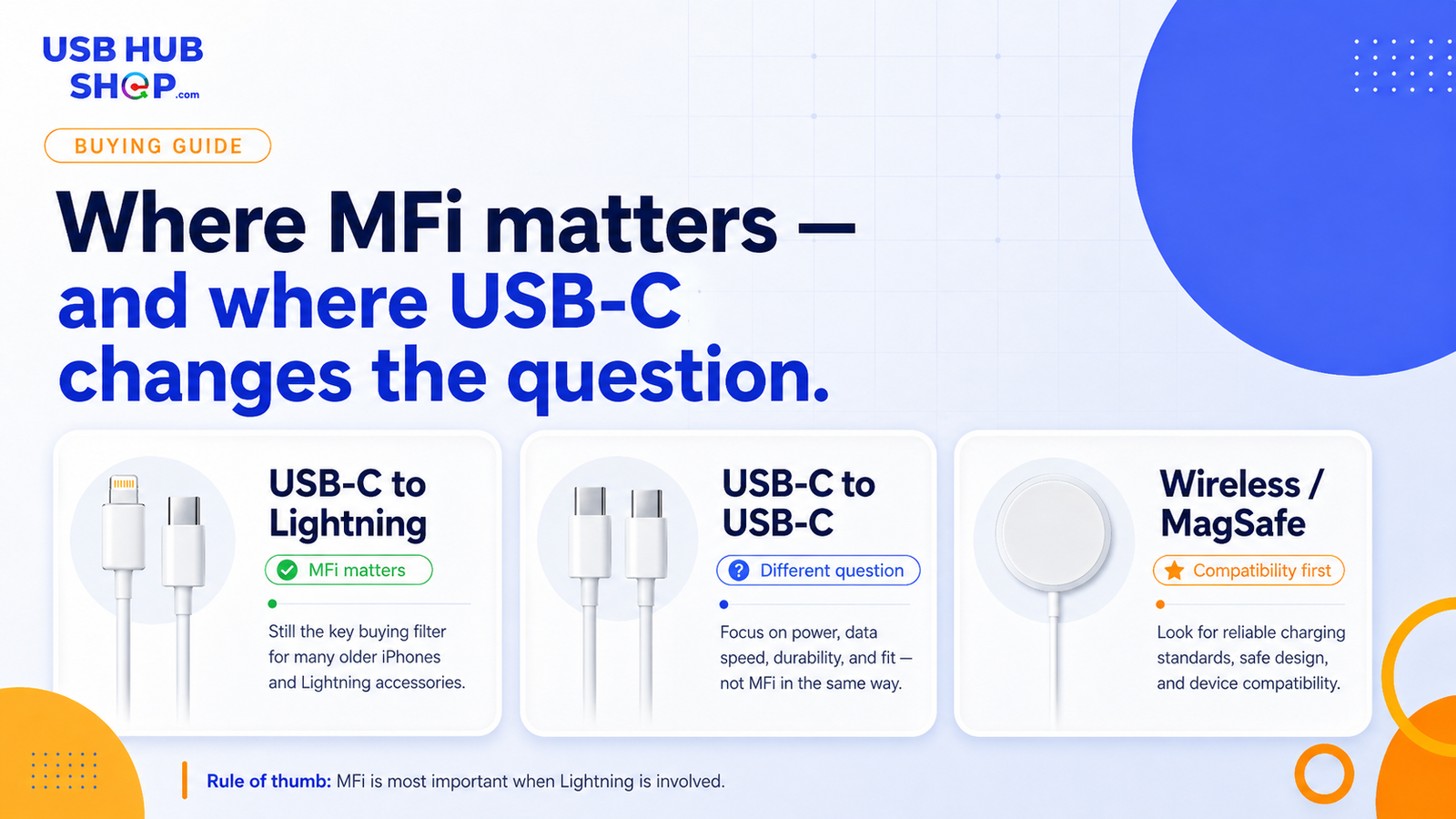
Visual guide: MFi matters most for Lightning accessories, while USB-C cables should be judged by power, speed, build quality, and use case.
Do you still need MFi for iPhone?
It depends on which iPhone and which cable you are buying. For older iPhones with a Lightning port, MFi still matters because the cable connects through Apple’s Lightning ecosystem.
For iPhone 15 and later models with USB-C, MFi is not the same universal shopping filter for USB-C to USB-C cables. A USB-C iPhone buyer should think about charging speed, data transfer, cable durability, and whether the cable supports the features they need.
Do not buy by label alone
A cable can say “iPhone compatible” and still be the wrong cable for your use case. Match the connector, then check the standard, power rating, data speed, and build quality.
How to buy the right iPhone cable
The easiest way to avoid buying the wrong cable is to start with the port on your iPhone and the port on your charger, laptop, car, or accessory. The connector tells you where to begin. The specs tell you whether the cable is actually good for the job.
| What you have | Likely cable type | What to check | Best buying move |
|---|---|---|---|
| iPhone with Lightning port | USB-C to Lightning or USB-A to Lightning | MFi certification, cable quality, charger compatibility | Choose a certified, reputable cable |
| iPhone with USB-C port | USB-C to USB-C | Power rating, data speed, durability, fit | Choose based on charging, data, or travel needs |
| CarPlay setup | Depends on car port and iPhone port | Data support, connector ends, reliability | Do not buy charge-only cables for data needs |
| Wireless charging | MagSafe, Qi, or Qi2 charger | Compatibility, wattage, alignment, charger quality | Buy for reliable charging behavior, not only appearance |
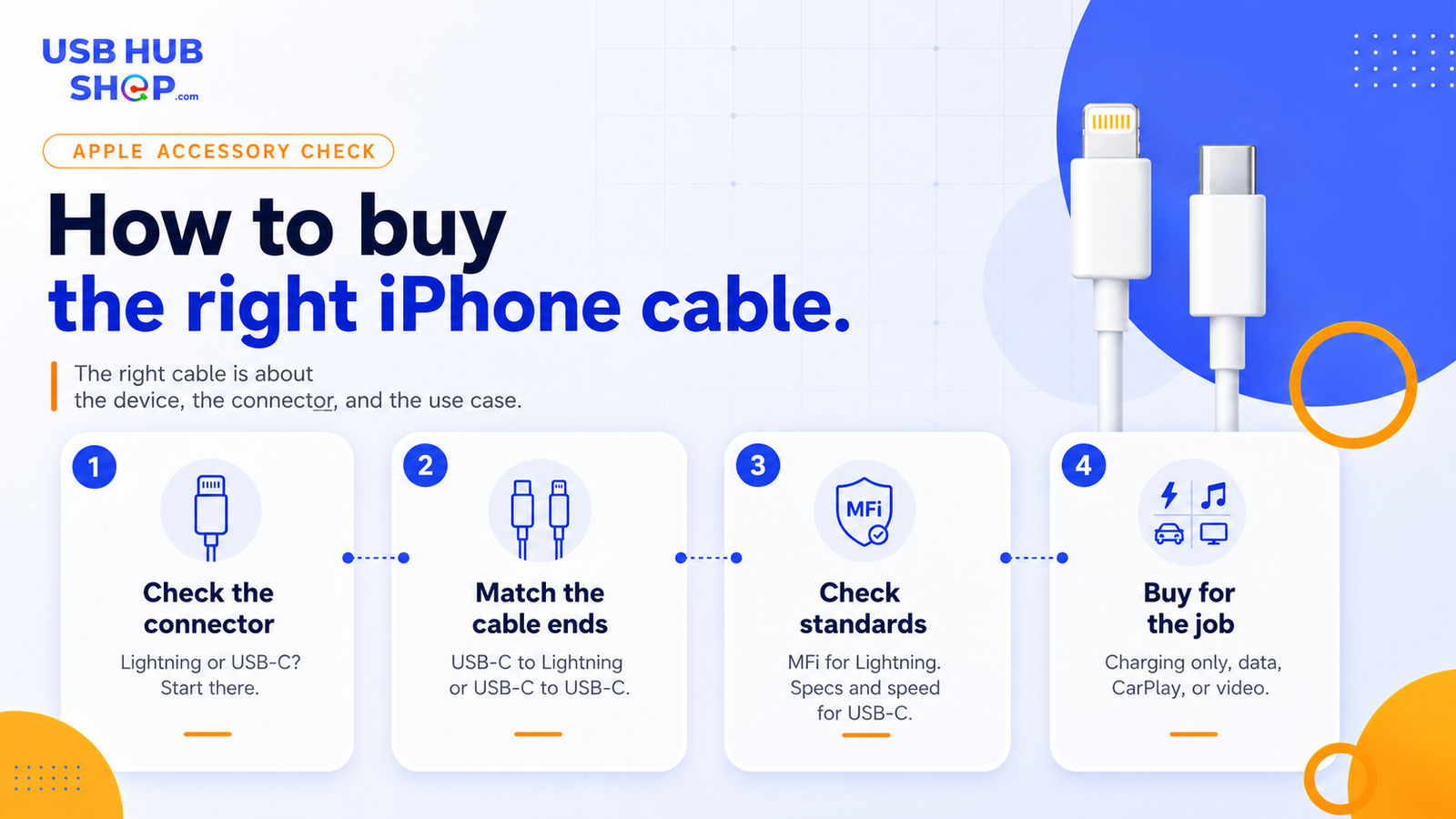
Cable checklist: start with the connector, match the cable ends, check the right standard, then buy for charging, data, CarPlay, or video.
USB-C to Lightning vs USB-C to USB-C
This is the part that trips people up. USB-C to Lightning and USB-C to USB-C sound similar because both can involve USB-C, but they are not the same buying decision.
USB-C to Lightning
Use this when one side needs to connect to a Lightning iPhone, iPad, AirPods case, or another Lightning accessory. MFi certification is still important here.
USB-C to USB-C
Use this for USB-C iPhones, newer iPads, many Android phones, laptops, power banks, and USB-C chargers. Check wattage and data specs.
MFi matters most when Lightning is involved.
USB-C iPhones did not make cable quality less important. They changed what smart buyers need to check.
USBHubShop takeaways worth sharing
Can non-MFi cables damage your iPhone?
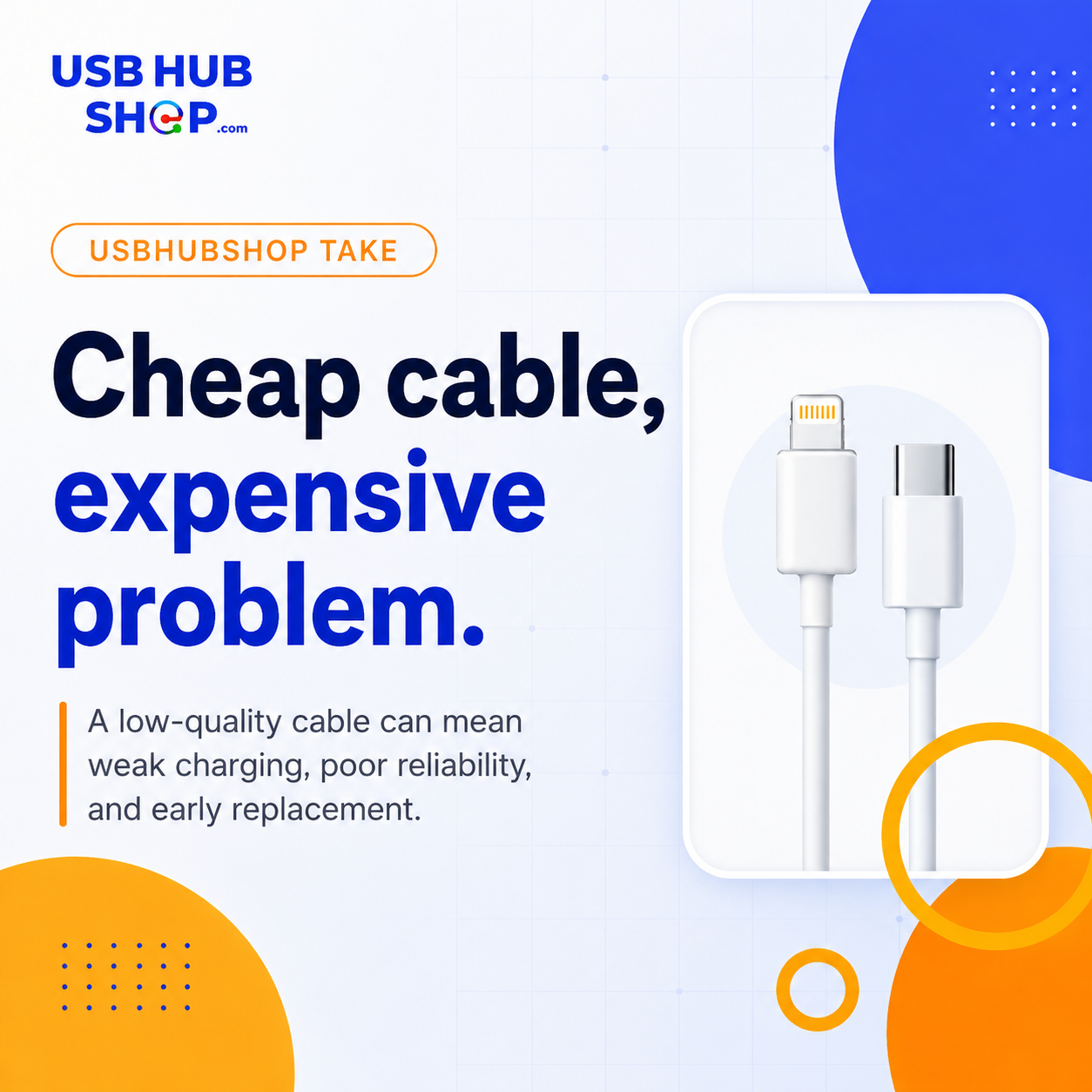
A poorly made or uncertified cable can create problems, especially with Lightning accessories. The most common issues are unreliable charging, accessory warnings, weak connection behavior, poor durability, or charging that stops sooner than expected.
The safer move is not panic-buying the most expensive cable. It is buying the right cable from a reputable brand, matching the connector correctly, and checking the right certification or technical specs for that cable type.
How do you check if an accessory is MFi certified?
Start with the product page and packaging. Look for clear Apple compatibility language, reliable brand information, and product claims that match the accessory type. Be careful with listings that use vague phrases like “for iPhone” without explaining the cable type, charging standard, or certification details.
For Lightning accessories, Apple provides guidance for identifying counterfeit or uncertified Lightning connector accessories. That is especially useful when a cable looks suspiciously cheap, has unclear branding, or feels inconsistent with the product listing.
What should you buy?
Choose based on the device and the job. For an older iPhone with Lightning, look for a reliable MFi-certified Lightning cable. For a USB-C iPhone, buy a well-rated USB-C to USB-C cable that supports the charging speed, data transfer, and durability you actually need.
Older iPhone
Look for reliable USB-C to Lightning or USB-A to Lightning cables with proper Apple compatibility.
USB-C iPhone
Look for USB-C to USB-C cables with the right wattage, durability, and data speed for your setup.
Wireless setup
Look for strong compatibility, stable alignment, MagSafe or Qi2 support where relevant, and a trusted charger.
Simple buying rule
If Lightning is involved, MFi matters. If USB-C is involved, check power, speed, data, and device fit. The right cable is not about the prettiest listing — it is about the cleanest match.
As an Amazon Associate, USBHubShop may earn from qualifying purchases.People also ask
What does Apple MFi certified mean?
Apple MFi certified means an accessory is made for Apple devices under Apple’s accessory program. For buyers, it is most important when shopping for Lightning accessories, USB-C to Lightning cables, and older iPhone-compatible products.
Do USB-C iPhones need MFi-certified cables?
USB-C iPhones use USB-C cables, so MFi is not the same buying filter as it is for Lightning accessories. For USB-C to USB-C cables, focus on power rating, data speed, durability, and device compatibility.
Is MFi certification important for USB-C to Lightning cables?
Yes. MFi certification is still important for USB-C to Lightning cables because Lightning accessories rely on Apple-specific compatibility requirements.
Can non-MFi cables damage your iPhone?
Poor-quality or uncertified Lightning cables can cause reliability issues, weak charging behavior, connection warnings, or early failure. A reputable certified cable is usually the cleaner buying move.
How do I know if I need Lightning or USB-C?
Look at the port on your iPhone and the port on your charger, car, computer, or accessory. Older iPhones use Lightning. Newer iPhones use USB-C. Match the cable ends before checking anything else.
What should I buy for an older iPhone?
For older iPhones with Lightning ports, buy a reliable USB-C to Lightning or USB-A to Lightning cable from a trusted brand, preferably with clear MFi certification.
Sources and standards checked
USBHubShop reviewed this guide against Apple’s MFi Program information, Apple’s Lightning accessory guidance, and Apple’s current USB-C iPhone support documentation.
