
Anker PowerLine II 3-in-1 Cable Review: What to Know Before You Buy
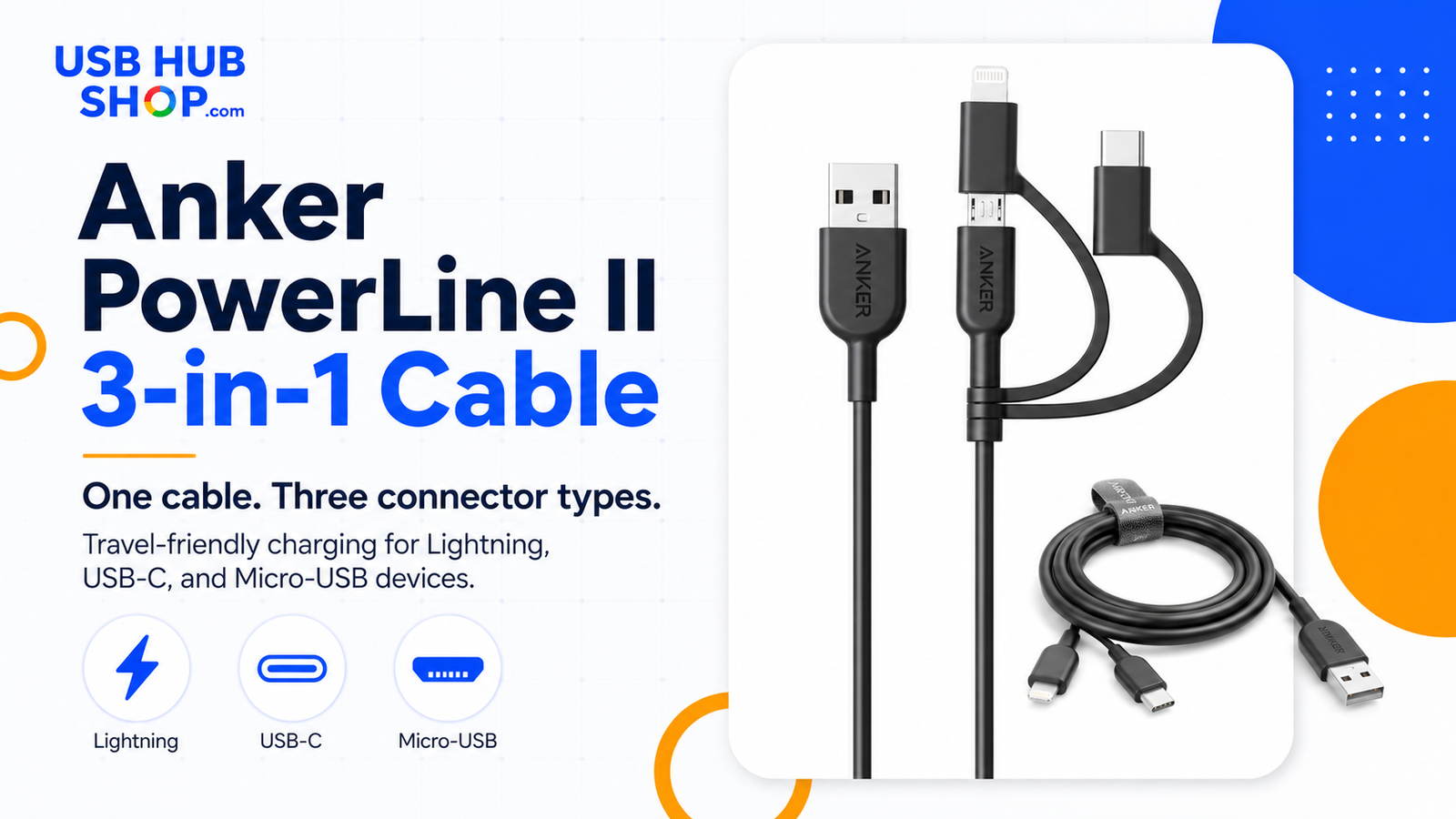
The Anker PowerLine II 3-in-1 Cable is made for people who want one travel-friendly cable with Lightning, USB-C, and Micro-USB tips. It is convenient, useful, and easy to pack — but it is not the best cable for every charging job.
Why Trust USBHubShop
USBHubShop helps readers compare USB-C hubs, chargers, cables, docking stations, and accessories using plain-English compatibility guidance.
-
Independent by design
USBHubShop does not manufacture USB-C accessories or sell its own competing charger, cable, hub, or docking station line. -
Compatibility-led, not promotional
Guides are built around device compatibility, charging standards, port support, cable requirements, and practical buyer use cases. -
Clear and accountable
Articles are written under a consistent editorial process with visible update dates, affiliate disclosures, and clear responsibility for corrections. -
Maintained with intent
USB-C standards, charging speeds, cable ratings, device requirements, and product availability can change. Guidance is reviewed and updated as the category evolves.
Affiliate disclosure: USBHubShop may earn a commission when you buy through links on this page, at no extra cost to you. We review chargers, hubs, cables, and accessories by matching product features to real setup needs.
Quick verdict
The Anker PowerLine II 3-in-1 Cable is worth considering if you want one cable for mixed-device charging, travel bags, older accessories, and backup use. It is not the best choice if you need laptop charging, maximum USB-C fast charging, or a clean dedicated cable for every device.
One cable is convenient. Separate cables are cleaner.
A 3-in-1 cable makes sense when you need flexibility. Separate cables make more sense when you care about speed, simplicity, dedicated device use, or fewer moving parts.
What the Anker PowerLine II 3-in-1 Cable is
The Anker PowerLine II 3-in-1 Cable is a charging cable with interchangeable connector tips for Lightning, USB-C, and Micro-USB devices. Instead of carrying three separate cables, you carry one main cable with swappable ends.
That makes it useful for people who still own a mix of devices: an iPhone with Lightning, a newer USB-C accessory, and an older Micro-USB gadget. Think travel bag, glove box, office drawer, tech pouch, or emergency charging kit.
The tradeoff is that this is a convenience cable first. It is not the same thing as a dedicated high-wattage USB-C to USB-C cable, and it is not the cable you buy for laptop charging.
Good fit
People who want one backup cable for phones, accessories, older devices, and travel charging.
Wrong fit
People who need laptop charging, high-wattage USB-C charging, or one cable that handles every job perfectly.
Anker PowerLine II 3-in-1 Cable
This cable is built around convenience: one main cable with three connector options. It is useful for mixed-device charging, but buyers should not confuse it with a dedicated high-wattage USB-C laptop cable.
Clean use case: one cable for mixed-device charging. Not the best pick for laptops, high-wattage USB-C, or a permanent desk setup.
Specs and compatibility snapshot
| Feature | What it means | USBHubShop take |
|---|---|---|
| Connector types | Lightning, USB-C, and Micro-USB tips | Useful for mixed-device households and travel bags. |
| Main cable type | USB-A charging cable with interchangeable tips | Check your wall charger before buying. This is not USB-C to USB-C. |
| Best use | Phones, accessories, older gadgets, and backup charging | Strong convenience cable, especially for travel. |
| Not ideal for | Laptops, high-wattage charging, and maximum USB-C performance | Use a dedicated USB-C cable for bigger power needs. |
| Data transfer | Anker support lists data transfer support up to 480Mbps | Fine for basic use, not a high-speed data cable. |
| Charging behavior | Designed to connect one device at a time | Do not treat it like a multi-device splitter. |
Lightning, USB-C, or Micro-USB?
The whole point of this cable is connector flexibility. The tips solve different problems, and that is exactly why the cable can be useful in a travel pouch or backup kit.
Lightning
For older iPhones, iPads, AirPods cases, and other Apple accessories that still use Lightning.
USB-C
For newer phones, tablets, earbuds, accessories, and devices that use USB-C charging.
Micro-USB
For older Android devices, Bluetooth speakers, cameras, headphones, and small gadgets.
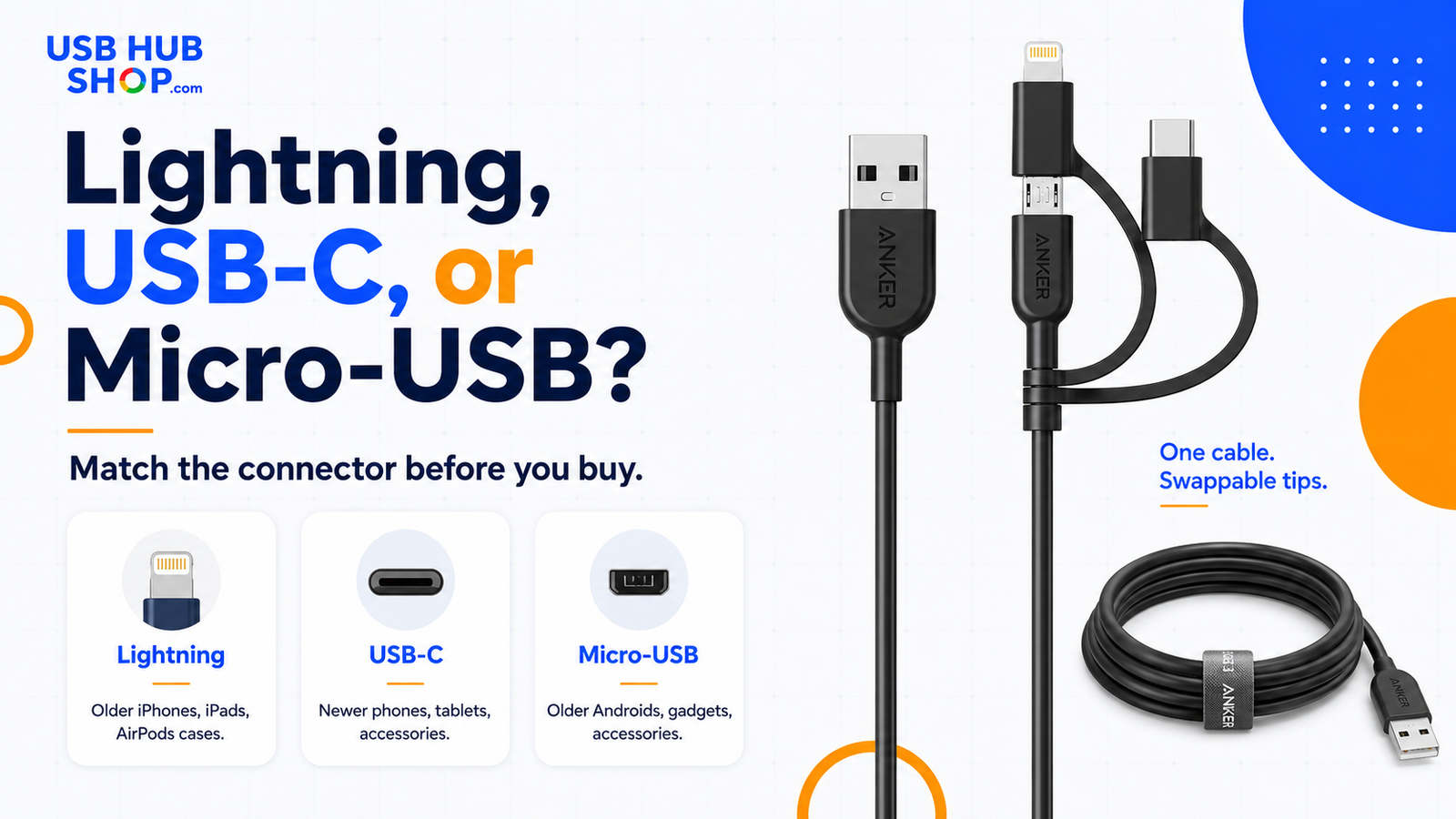
Connector check: Lightning, USB-C, and Micro-USB solve different charging problems. Match the connector before you buy the cable.
Who this cable is best for
The Anker PowerLine II 3-in-1 Cable is best for people who want fewer cables in a bag, drawer, car, or travel kit. It shines when your goal is convenience and coverage across multiple connector types.
This cable makes the most sense if you still charge older devices or share a cable with people who use different phones and accessories. It is also a practical backup cable because it covers common connector types without forcing you to carry three separate cords.
Travel bags
Good for reducing cable clutter when you do not know exactly which connector you will need.
Backup charging
Good for an office drawer, glove box, suitcase, or emergency tech pouch.
Mixed-device households
Good when one person has Lightning, another has USB-C, and older gadgets still use Micro-USB.
Older accessories
Good for speakers, headphones, cameras, and accessories that never made the USB-C jump.
Who should skip it
Skip this cable if you only use USB-C devices and want the fastest, cleanest, most future-ready setup. A dedicated USB-C to USB-C cable will usually be the better long-term choice for newer phones, tablets, and higher-wattage chargers.
What not to buy it for
Do not buy the Anker PowerLine II 3-in-1 Cable as your laptop cable, your fastest USB-C charging cable, your high-speed data cable, or your permanent main desk cable. Buy it for convenience, travel, and backup charging.
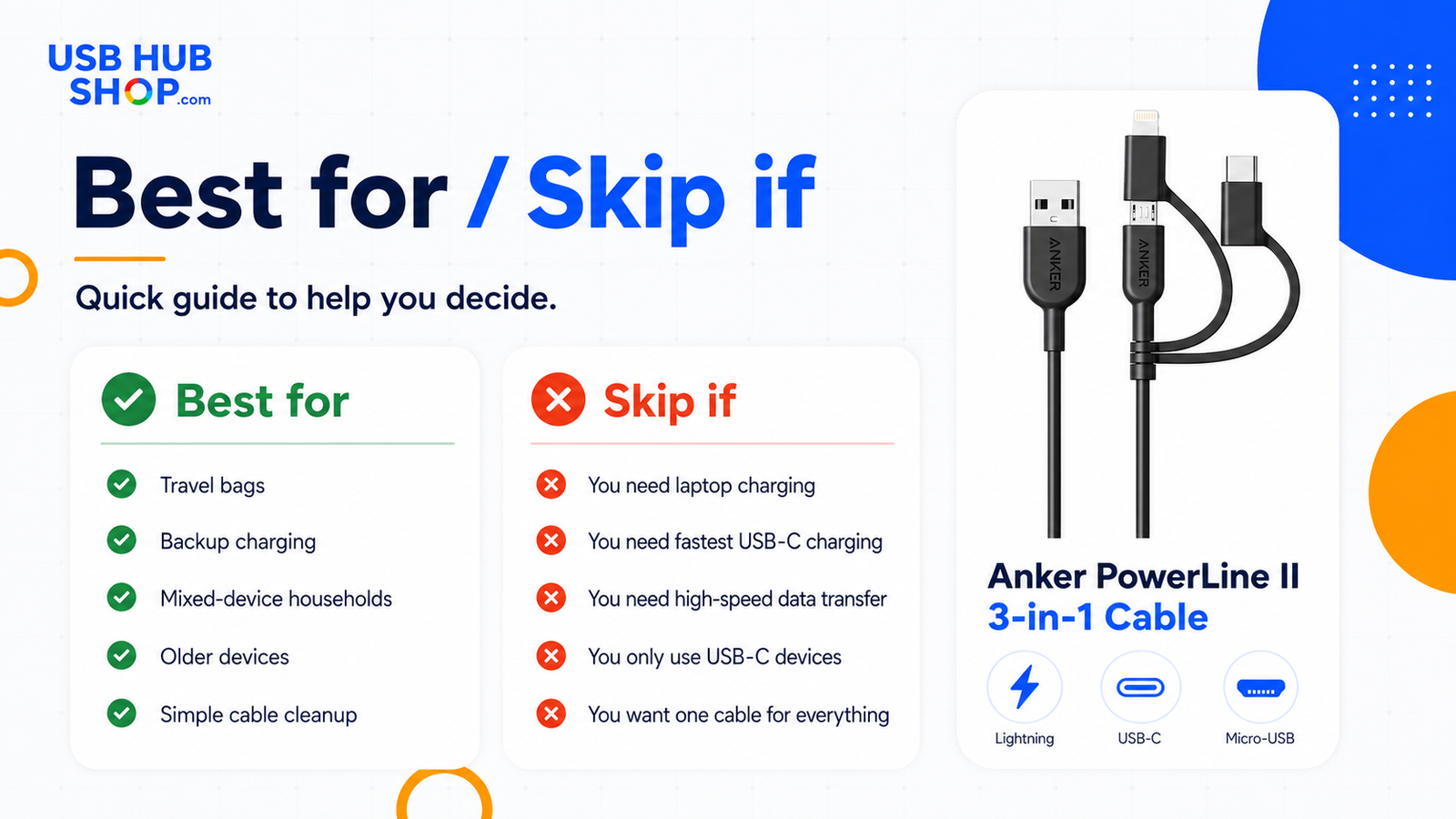
Checklist: this cable is best for travel, backup charging, mixed-device households, older devices, and simple cable cleanup. Skip it for laptop charging or maximum USB-C speed.
Is it good for fast charging?
It depends on what you mean by “fast.” The Anker PowerLine II 3-in-1 Cable can be convenient for everyday phone and accessory charging, but it should not be treated like a dedicated high-wattage USB-C cable.
If your main goal is iPhone fast charging, Android fast charging, Samsung PPS support, or tablet-level power, your charger and cable combination matter. A 3-in-1 cable is mostly about convenience. A dedicated cable is usually better when performance matters.
| Use case | Fit | Better option if needed |
|---|---|---|
| Phone backup charging | Good fit | Keep the 3-in-1 cable in a bag or drawer. |
| Travel convenience | Good fit | Use it when connector flexibility matters. |
| Fastest iPhone charging | Depends on setup | Use a USB-C power adapter and the right cable. |
| Samsung PPS charging | Not the best target | Use a PPS charger and compatible USB-C cable. |
| Laptop charging | Skip | Use a high-wattage USB-C to USB-C cable. |
| High-speed data transfer | Skip | Use a dedicated high-speed data cable. |

Charging truth: 3-in-1 cables are for convenience, not maximum speed. Good for travel and backups, not every charging job.
One cable vs separate cables
The best reason to buy a 3-in-1 cable is convenience. The best reason to avoid one is cleanliness. Separate cables are usually easier to understand, easier to replace, and better matched to each device.
That does not make the Anker PowerLine II 3-in-1 Cable a bad buy. It simply means it belongs in the right role. Treat it like a smart backup cable, not a magic cable that replaces a proper USB-C cable, iPhone cable, and Micro-USB cable in every situation.
Better for convenience
Useful when you want one cable that can handle different connector types.
Better for clean setups
Better when each device has a dedicated cable matched to its charging needs.
Use both
Keep this as a travel or backup cable, and use dedicated cables for daily charging.
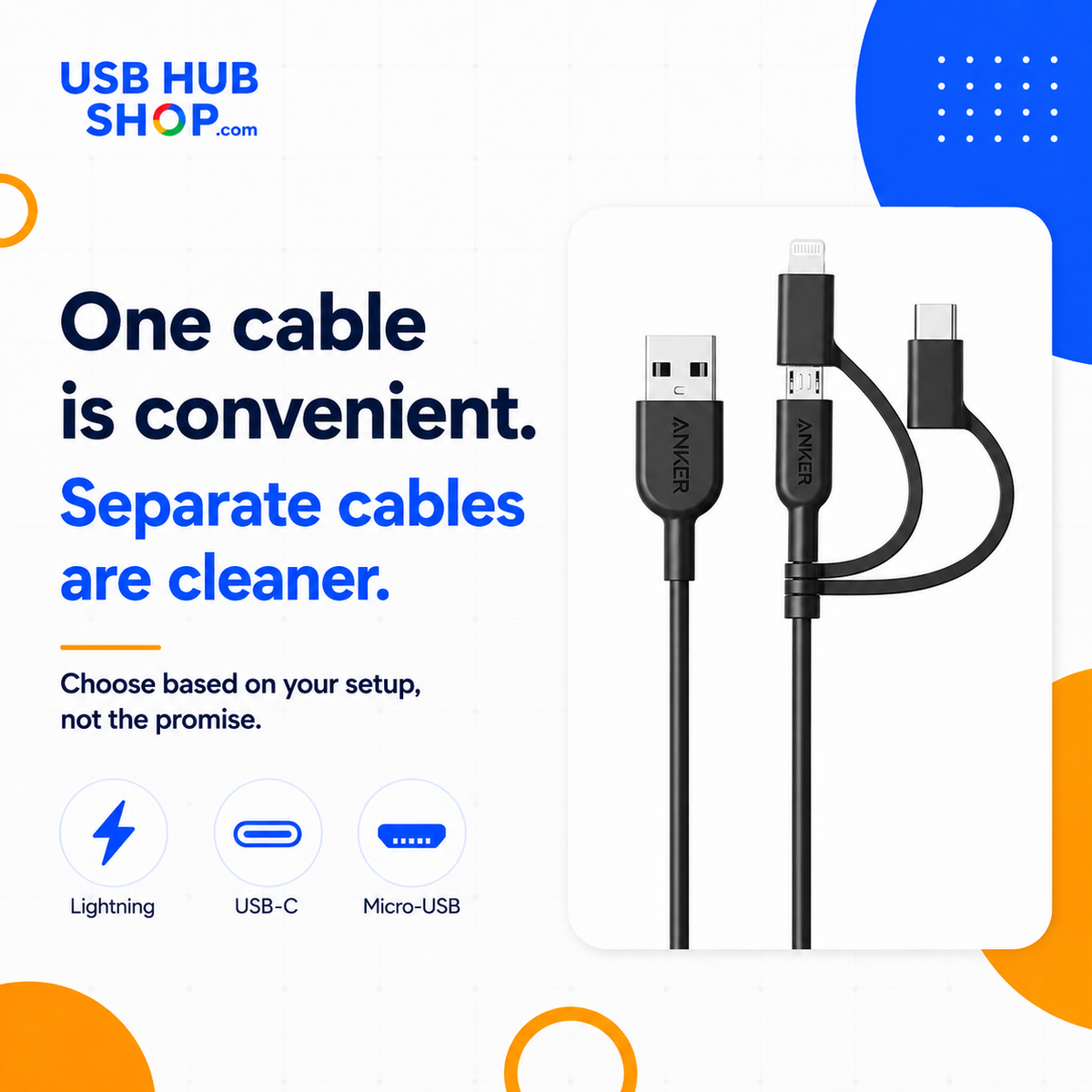
USBHubShop rule: one cable is convenient. Separate cables are cleaner. Choose based on your setup, not the promise.
Pros and cons
Pros
- One cable covers Lightning, USB-C, and Micro-USB connector types.
- Good for travel bags, backup charging, and mixed-device households.
- Useful for older devices and accessories that still use Micro-USB.
- Reduces the number of loose cables in a bag or drawer.
- Practical for emergency charging kits.
Cons
- Not ideal for laptop charging.
- Not the best choice for maximum USB-C fast charging.
- Not as clean as dedicated cables for daily use.
- Swappable tips can be less simple than one cable per device.
- Not a high-speed data transfer cable.
Great backup cable. Not a laptop cable.
The Anker PowerLine II 3-in-1 Cable makes sense as a convenience cable for phones, accessories, travel bags, and older devices. It does not replace a dedicated high-wattage USB-C cable.
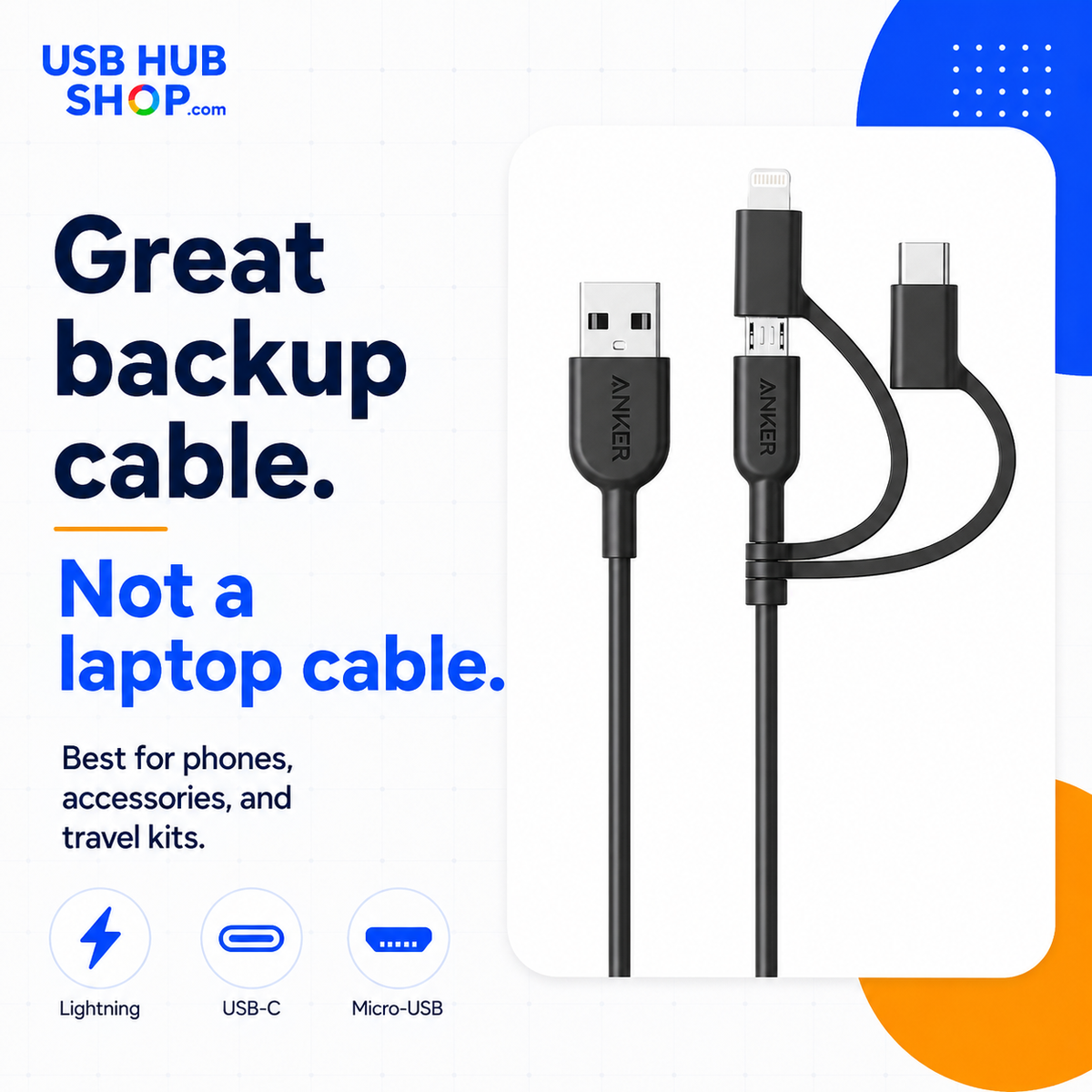
Best role: backup cable, travel cable, mixed-device charging cable. Not your laptop cable.
What to buy instead if this is not the right fit
If all of your devices use USB-C, buy a dedicated USB-C to USB-C cable instead. If you care about iPhone fast charging, use the right USB-C adapter and cable combination. If you need laptop charging, buy a cable rated for the wattage your laptop requires.
Need iPhone fast charging?
Use a proper USB-C power adapter and a compatible iPhone cable.
Need Android fast charging?
Check USB-C, USB Power Delivery, and PPS support when needed.
Need laptop charging?
Use a dedicated high-wattage USB-C to USB-C cable.
USBHubShop takeaways worth sharing
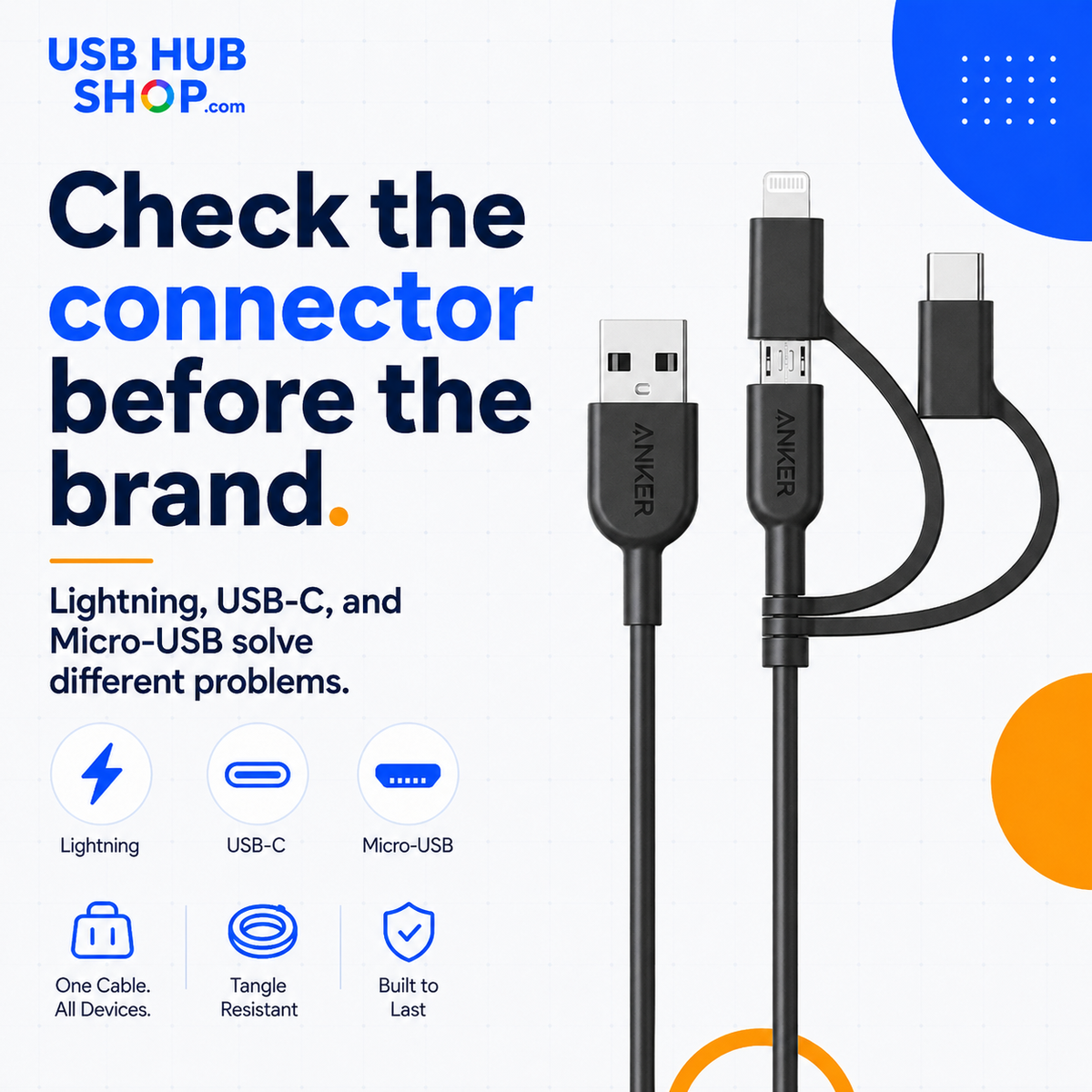
Should you buy the Anker PowerLine II 3-in-1 Cable?
Buy the Anker PowerLine II 3-in-1 Cable if you want a practical travel or backup cable for Lightning, USB-C, and Micro-USB devices. It is especially useful if your setup includes older accessories or different connector types.
Skip it if you only use USB-C devices, need laptop charging, or want the fastest possible charging setup. In that case, buy dedicated cables matched to each device instead.
Buy it
If you want a simple backup cable for mixed-device charging.
Use dedicated cables instead
If speed, power rating, or device-specific performance matters most.
Check first
Confirm your charger port, device connector, and whether you need USB-C to USB-C instead.
Simple buying rule
Buy the Anker PowerLine II 3-in-1 Cable for convenience, travel, and backup charging. Buy separate dedicated cables for your fastest and most important daily charging setup.
As an Amazon Associate, USBHubShop may earn from qualifying purchases.People also ask
Is the Anker PowerLine II 3-in-1 Cable good?
The Anker PowerLine II 3-in-1 Cable can be a good choice if you want one convenient cable for Lightning, USB-C, and Micro-USB devices. It is best for travel, backup charging, and mixed-device setups.
Does the Anker PowerLine II 3-in-1 Cable work with iPhone?
Yes, the cable includes a Lightning connector tip for compatible iPhones, iPads, and Apple accessories that use Lightning. Buyers should still check device compatibility before purchasing.
Does the Anker PowerLine II 3-in-1 Cable work with USB-C devices?
Yes, the cable includes a USB-C connector tip for compatible USB-C devices. However, it should not be confused with a dedicated USB-C to USB-C cable for higher-wattage charging.
Does the Anker PowerLine II 3-in-1 Cable charge three devices at once?
No. Anker support says the cable can only charge and connect to one device at a time because the Lightning or USB-C connector connects to the Micro-USB connector.
Is the Anker PowerLine II 3-in-1 Cable good for laptop charging?
No. This is better treated as a phone, accessory, travel, and backup cable. For laptop charging, use a dedicated high-wattage USB-C to USB-C cable.
Is a 3-in-1 cable better than separate cables?
A 3-in-1 cable is better for convenience and travel. Separate cables are usually better for speed, simplicity, dedicated device use, and clean daily charging setups.
Sources and product details checked
USBHubShop reviewed this guide against Anker product information, Anker support FAQs, Amazon product listing details, and current USB-C / Lightning / Micro-USB buying considerations.
