It Plugged Into Your Windows Laptop. That Doesn’t Mean It Works With It.
A USB-C hub can physically fit your Windows laptop and still fail at the job you bought it for. The connector may match, but the port’s actual features decide what works.


A USB-C hub can physically fit your Windows laptop and still fail at the job you bought it for. The connector may match, but the port’s actual features decide what works.

A USB-C hub can look perfect for a MacBook and still be wrong for your setup. Match the hub to your monitor, charger, ports, and workflow before buying.

A USB-C hub with more ports is not automatically better. The right hub is the one that matches your monitor, charger, storage, internet, and daily setup.

A USB-C hub can fail to work even when the hub is fine. Sometimes the real issue is a limited USB-C port that does not support video, data, charging, or docking the way you expected.

A USB-C hub can have an HDMI port and still not work with your device if the device’s USB-C port does not support video output. The port matters too.
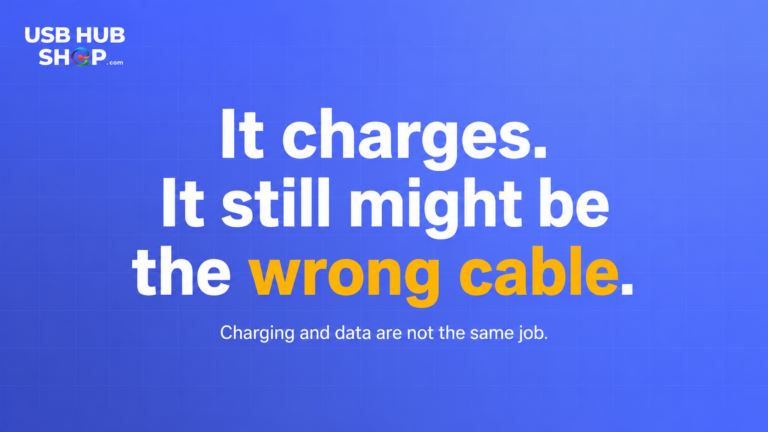
A USB-C cable can charge your device and still be wrong for file transfers, displays, docks, or faster data. Here’s the quick check before you buy again.

USB-C can look the same across cables and accessories, but that does not mean they all do the same thing. Before you buy, check the specs for speed, charging, video, and compatibility.
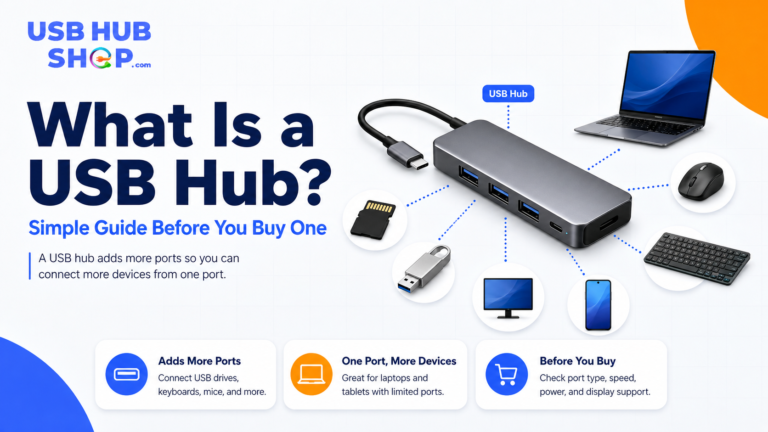
A USB hub adds more ports to your laptop, desktop, tablet, or workstation. This simple guide explains what a USB hub does, when you need one, and what to check before buying.
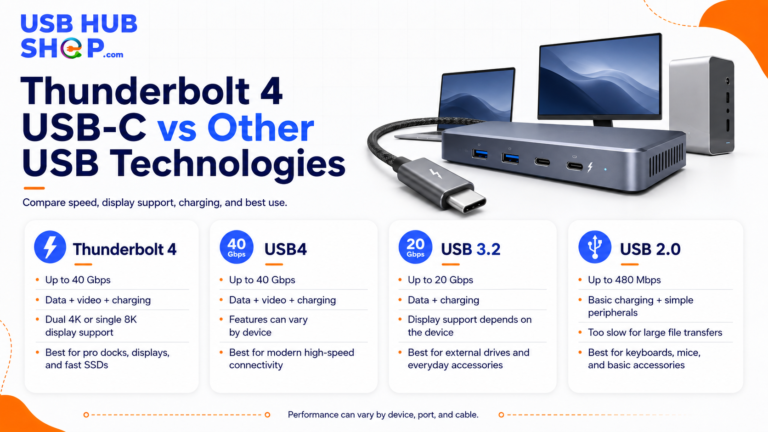
Thunderbolt 4, USB-C, and USB4 are not the same thing. This guide explains the difference between the connector, the technology, the speed, and what buyers should check before choosing hubs, docks, cables, or monitors.