
Anker 4-Port USB 3.0 Hub Review: Is It Still Worth Buying?
The Anker 4-Port USB 3.0 Hub is a simple USB-A data hub. That is exactly why it can still be useful — and exactly why it is the wrong choice for some modern setups.
Simple USB-A expansion.
Great for accessories. Not a dock. Not a charger. Not a full desk hub.
Why Trust USBHubShop
USBHubShop helps readers compare USB-C hubs, chargers, cables, docking stations, and accessories using plain-English compatibility guidance.
-
Independent by design
USBHubShop does not manufacture USB-C accessories or sell its own competing charger, cable, hub, or docking station line. -
Compatibility-led, not promotional
Guides are built around device compatibility, charging standards, port support, cable requirements, and practical buyer use cases. -
Clear and accountable
Articles are written under a consistent editorial process with visible update dates, affiliate disclosures, and clear responsibility for corrections. -
Maintained with intent
USB-C standards, charging speeds, cable ratings, device requirements, and product availability can change. Guidance is reviewed and updated as the category evolves.
Affiliate disclosure: USBHubShop may earn a commission when you buy through links on this page, at no extra cost to you. We review USB hubs, chargers, cables, and accessories by matching features to real setup needs.
Quick verdict
The Anker 4-Port USB 3.0 Hub is worth considering if you only need more USB-A data ports. It is a clean fit for keyboards, mice, flash drives, USB receivers, and simple accessories. Skip it if you need HDMI, Ethernet, laptop charging, SD card reading, or a modern USB-C docking setup.
This is a data hub, not a docking station.
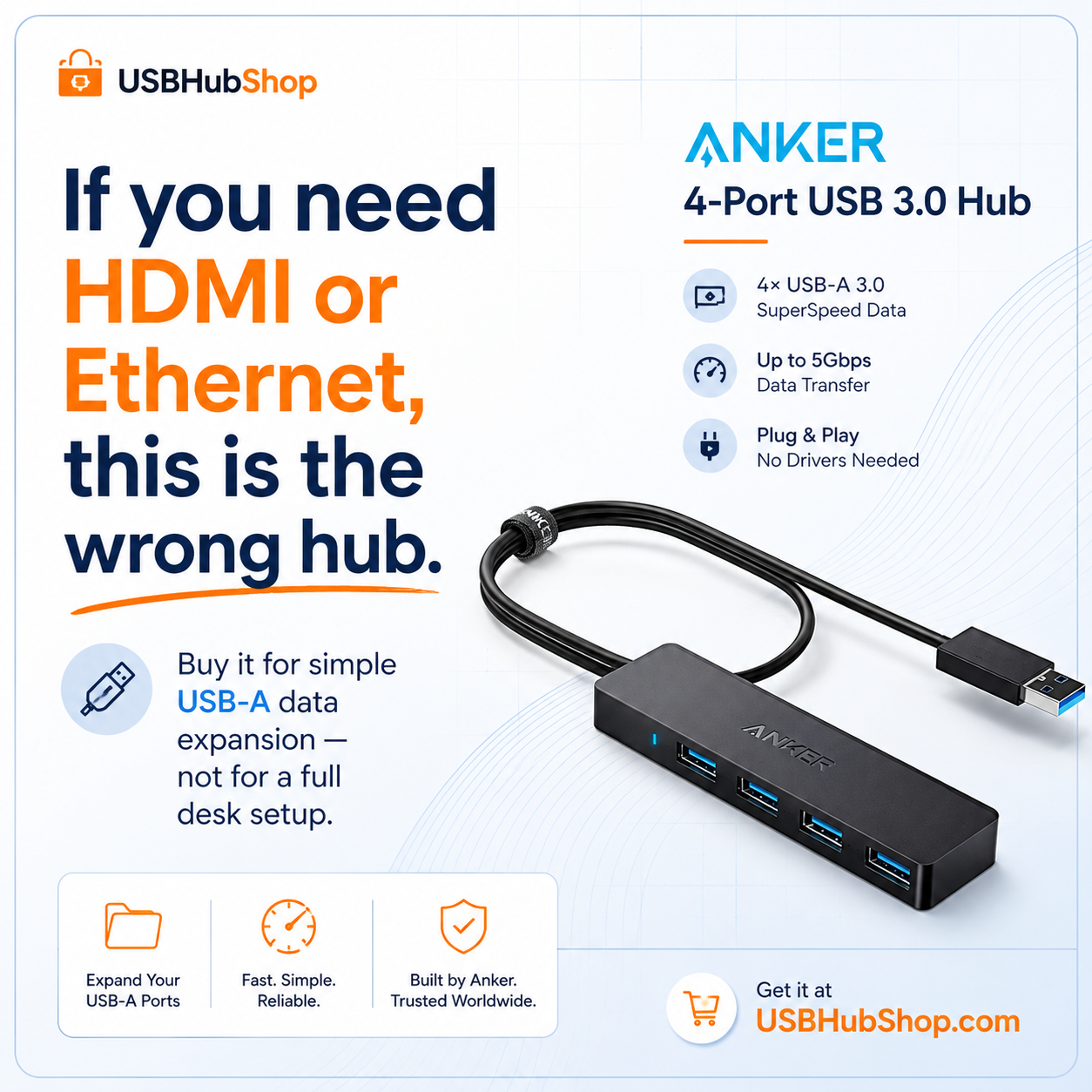
Buy it to add USB-A ports. Do not buy it expecting monitor output, Ethernet, laptop charging, SD card support, or a full workstation upgrade.
What the Anker 4-Port USB 3.0 Hub actually does
This Anker hub adds four USB-A 3.0 data ports to a computer. That makes it useful when you have more USB-A accessories than available ports.
Think keyboards, mice, USB receivers, flash drives, card readers that already connect by USB-A, MIDI accessories, and simple desktop add-ons. It is compact, lightweight, and direct.
The important limitation: this is not a charging hub. Anker states that the hub does not support charging and recommends avoiding devices that exceed a combined 900 mA for stable operation.
Good fit
Simple USB-A expansion for low-power accessories and everyday data devices.
Wrong fit
Charging phones, powering multiple hard drives, connecting monitors, adding Ethernet, or building a desk dock.
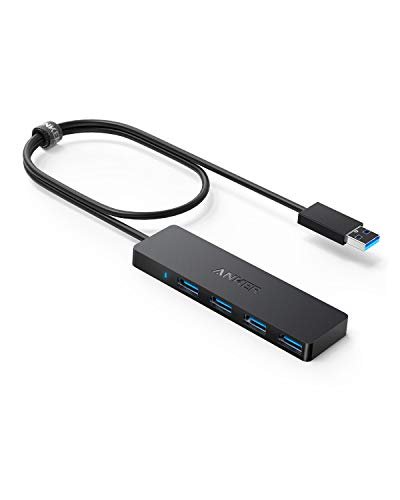
Anker 4-Port USB 3.0 Hub
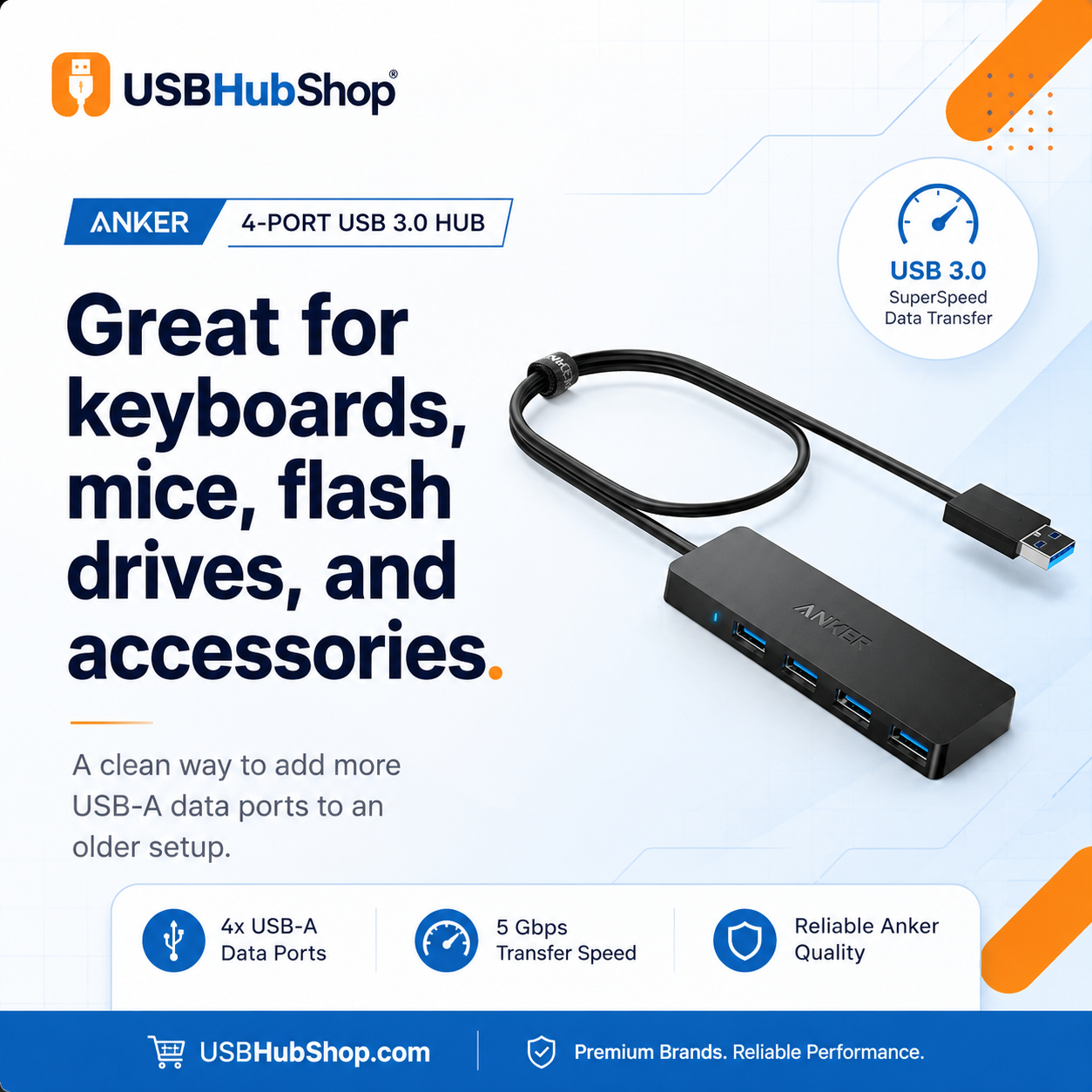
This is a compact USB-A data hub for simple accessories. Use it when you need more USB-A ports for keyboards, mice, receivers, flash drives, and basic data devices.
Clean use case: simple USB-A expansion. Not HDMI, Ethernet, laptop charging, or a full USB-C workstation setup.
Specs and compatibility snapshot
| Feature | What it means | USBHubShop take |
|---|---|---|
| Port type | Four USB-A 3.0 data ports | Useful for older USB-A accessories and simple desktop expansion. |
| Data speed | USB 3.0 data transfer, commonly listed up to 5 Gbps | Good for everyday files and accessories, but not a high-end creator dock. |
| Charging | Charging not supported | Do not buy this to charge phones, tablets, or laptops. |
| Video output | No HDMI or DisplayPort | Not for monitors or dual-screen setups. |
| Ethernet | No Ethernet port | Skip it if you need wired internet. |
| Best use | Keyboard, mouse, USB receiver, flash drive, simple accessories | A practical low-complexity hub for USB-A expansion. |
Data hub vs modern USB-C hub
The biggest mistake with this product is expecting it to behave like a modern USB-C hub or docking station. It does not.
A modern USB-C hub may include HDMI, Ethernet, SD card slots, USB-C Power Delivery, extra USB-A ports, and sometimes USB-C data ports. The Anker 4-Port USB 3.0 Hub is much simpler: it expands USB-A data access.
Simple data expansion
Adds USB-A ports for accessories like keyboards, mice, USB receivers, and flash drives.
More desk features
Often adds HDMI, Ethernet, card readers, charging pass-through, and mixed ports.
Full workstation support
Better for monitors, wired networking, laptop charging, and permanent desk setups.
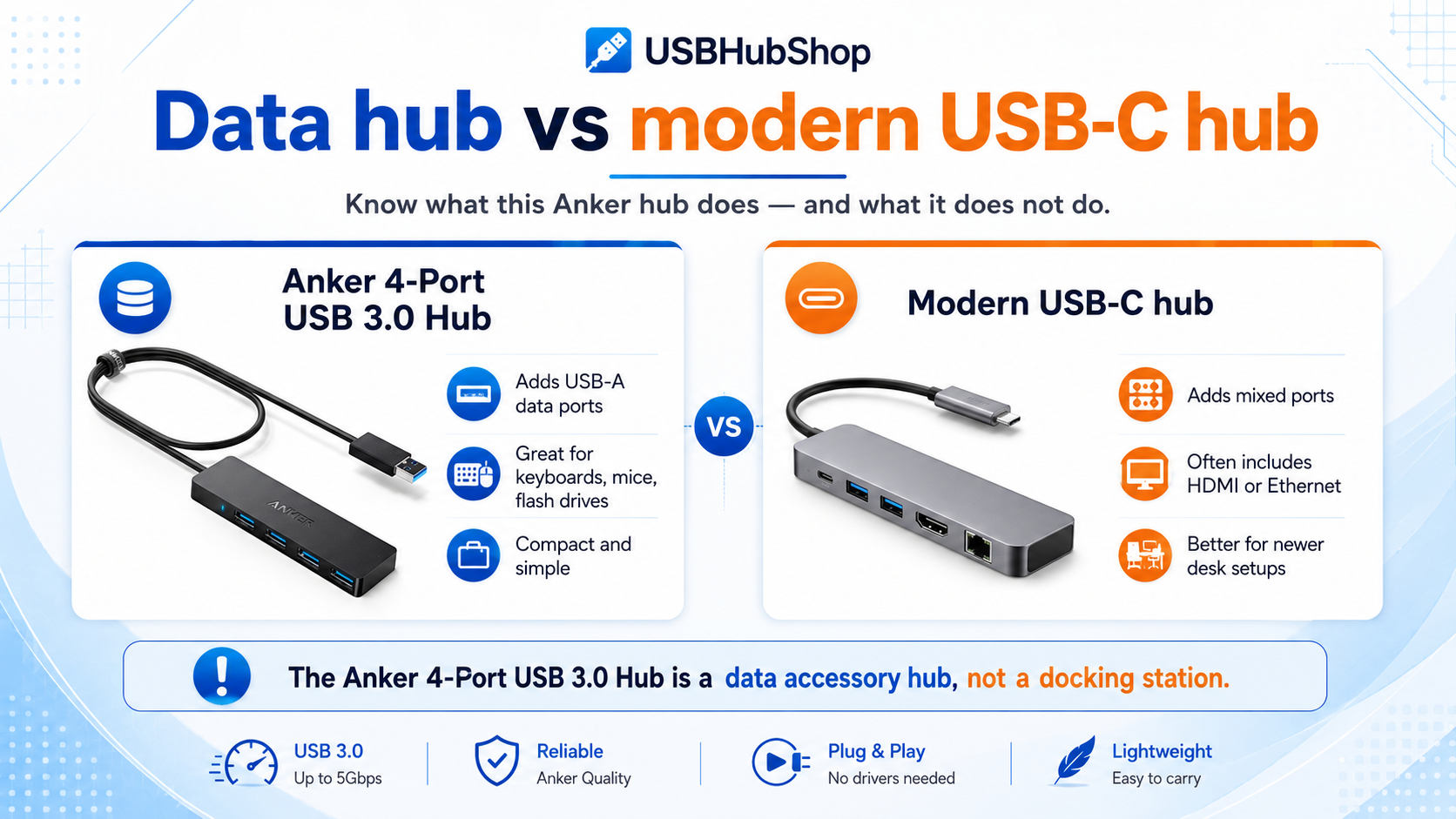
Comparison guide: the Anker 4-Port USB 3.0 Hub is a data accessory hub, while modern USB-C hubs are usually better for monitors, Ethernet, SD cards, charging, and fuller desk setups.
Who this hub is for
This hub makes sense when your problem is simple: you need more USB-A ports. That is it. No complicated setup. No pretending a small data hub is a full desk dock.
Keyboard and mouse users
Good for keeping basic input devices connected when your laptop or desktop has limited USB-A ports.
Flash drive users
Useful if you still move files with USB-A flash drives or simple USB storage accessories.
USB receiver setups
Helpful for dongles, receivers, small adapters, and accessories that do not need heavy power.
Older desk setups
A clean choice when the setup is still USB-A-heavy and does not need USB-C docking features.
Who should skip it
Skip this hub if your real problem is not USB-A port count. If you need monitor output, wired internet, laptop charging, or a proper docking setup, this is the wrong product category.
What not to buy it for
Do not buy the Anker 4-Port USB 3.0 Hub for HDMI, Ethernet, laptop charging, phone charging, SD cards, USB-C Power Delivery, or dual-monitor setups. It is a data hub, not a modern USB-C desk hub.
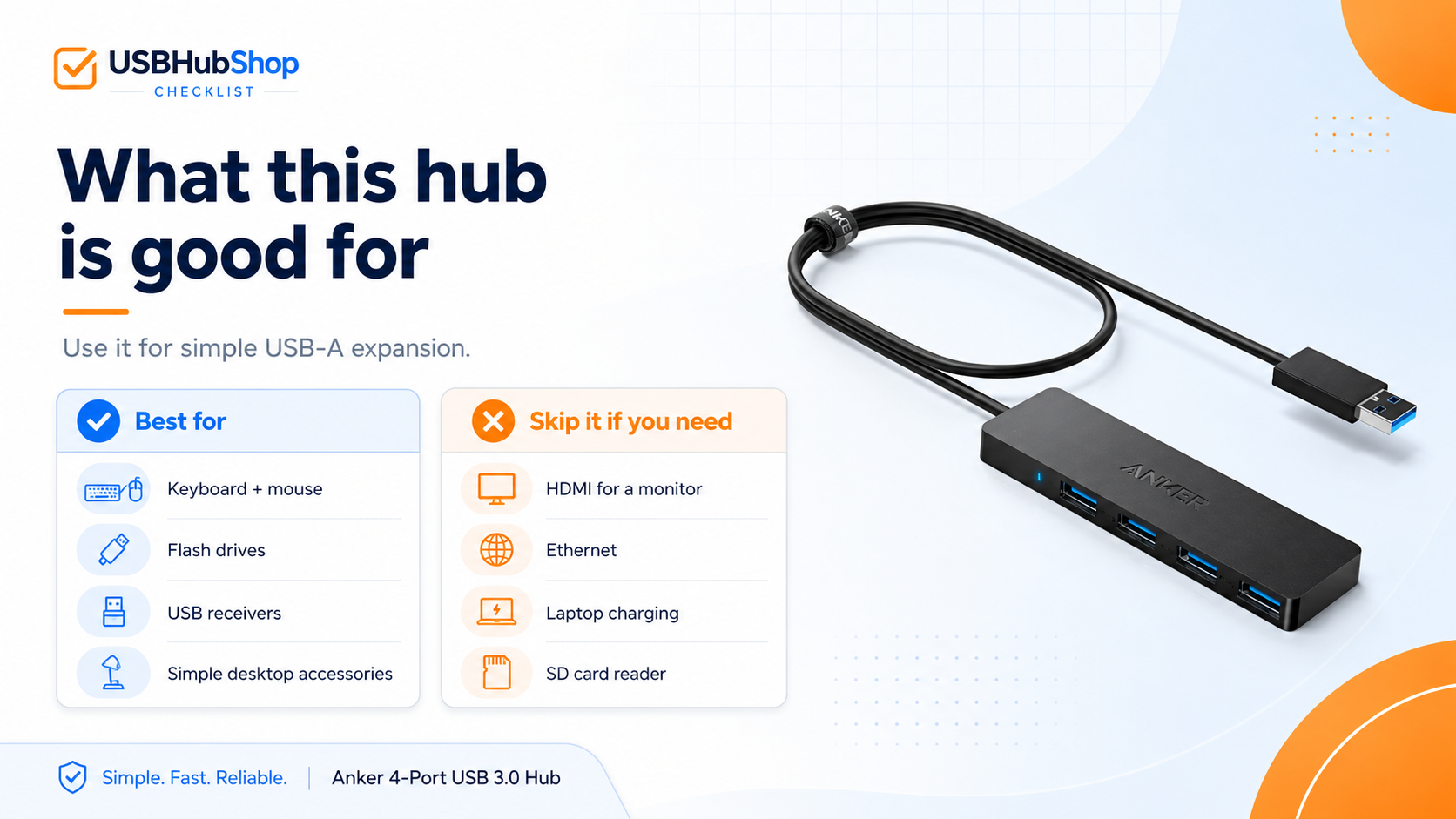
Checklist: use this hub for keyboards, mice, flash drives, USB receivers, and simple USB-A accessories. Skip it for HDMI, Ethernet, charging, or SD card needs.
Pros and cons
Pros
- Adds four USB-A data ports.
- Compact and simple.
- Useful for keyboards, mice, flash drives, and USB receivers.
- Good fit for older USB-A accessory setups.
- Plug-and-play for many everyday devices.
Cons
- Does not support charging.
- No HDMI or monitor output.
- No Ethernet.
- No SD or microSD card reader.
- Not ideal for multiple high-power external drives.
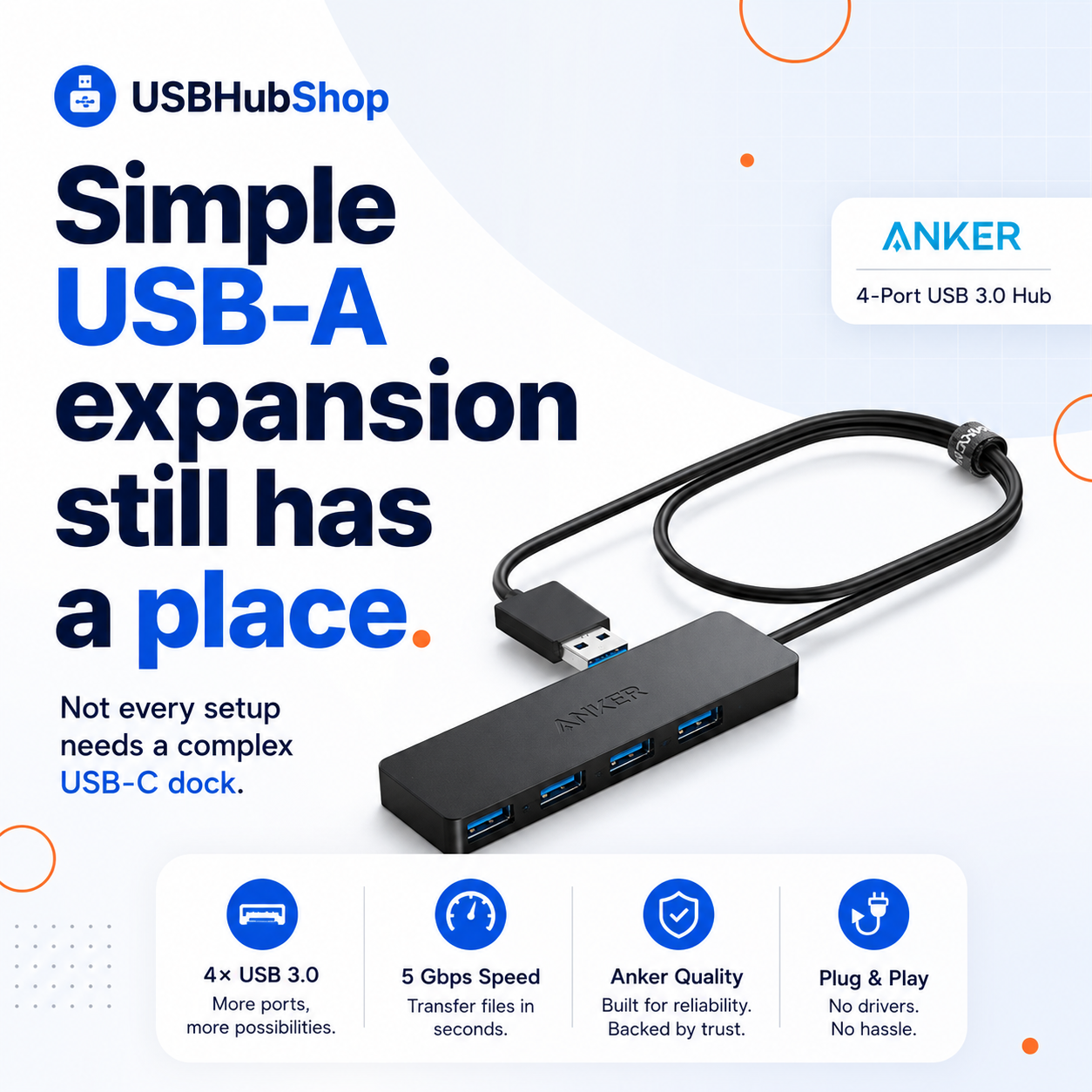
Simple USB-A expansion still has a place.
The Anker 4-Port USB 3.0 Hub is not useful because it does everything. It is useful because it does one simple job clearly.
USBHubShop takeaways worth sharing
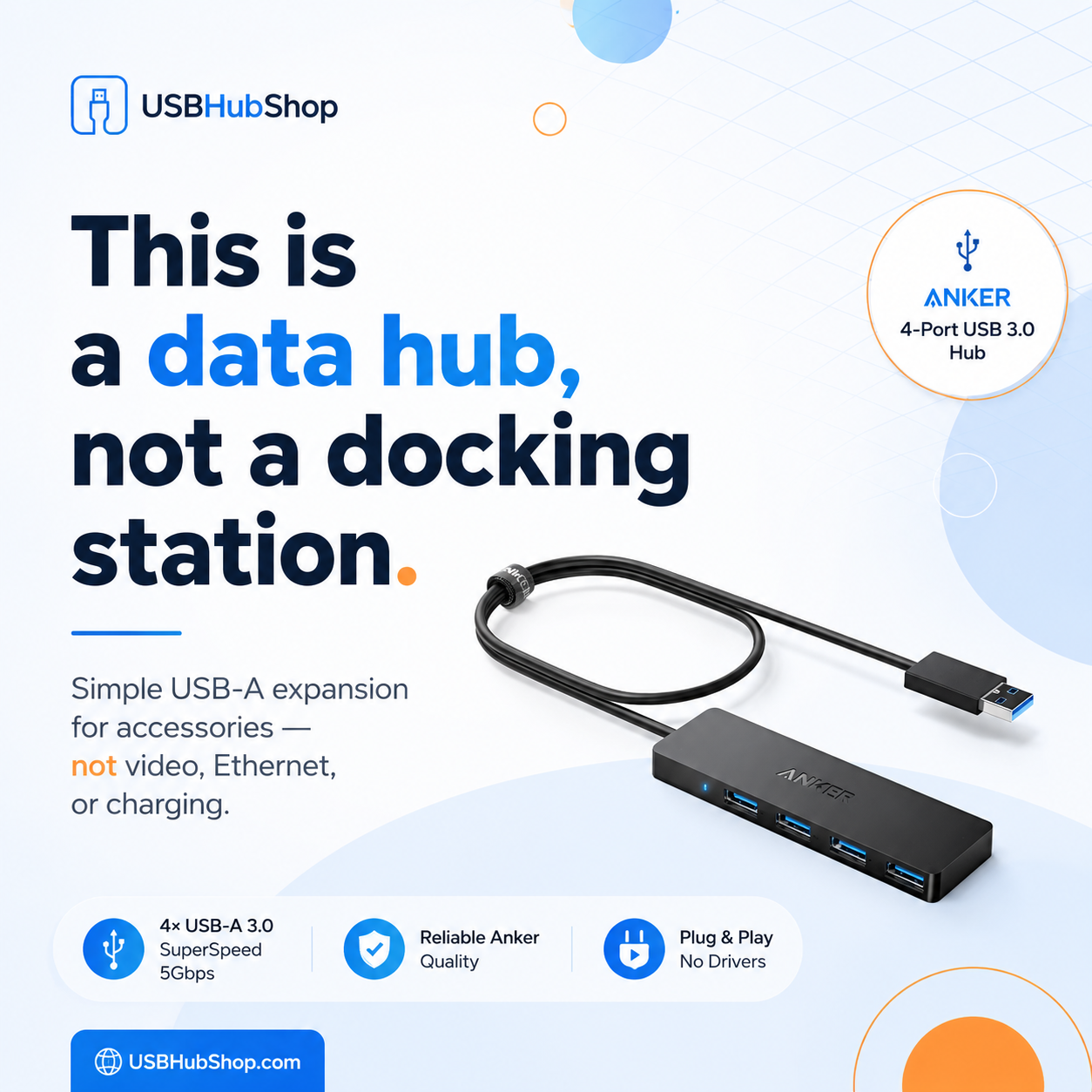
Should you buy it?
Buy the Anker 4-Port USB 3.0 Hub if you need a simple, compact way to add USB-A data ports. It is the kind of accessory that makes sense when your setup is older, your devices are basic, and you do not need a full USB-C hub.
Skip it if your real goal is a cleaner desk, monitor support, wired internet, card reading, laptop charging, or modern USB-C workflow. In that case, you are not shopping for this product. You are shopping for a USB-C hub or docking station.
Buy it
If you want more USB-A ports for low-power accessories and everyday data devices.
Upgrade instead
If you need HDMI, Ethernet, card readers, laptop charging, or USB-C Power Delivery.
Check first
If you plan to connect external hard drives or power-hungry devices, confirm the power needs before buying.
Simple buying rule
Buy this Anker hub for USB-A data expansion. Buy a modern USB-C hub for HDMI, Ethernet, charging, and desk setup features.
As an Amazon Associate, USBHubShop may earn from qualifying purchases.People also ask
Is the Anker 4-Port USB 3.0 Hub good for charging?
No. The Anker 4-Port USB 3.0 Hub is designed for data transfer, not device charging. Use a proper USB-C charger or powered charging station if your main goal is charging.
Can the Anker 4-Port USB 3.0 Hub connect a monitor?
No. This hub does not include HDMI, DisplayPort, or video output. If you need monitor support, choose a USB-C hub or docking station with the correct video output.
Does this Anker hub have Ethernet?
No. The Anker 4-Port USB 3.0 Hub does not include an Ethernet port. Choose a USB-C hub with Ethernet if you need wired internet.
Is the Anker 4-Port USB 3.0 Hub good for external hard drives?
It may work with some drives, but bus-powered hubs can be limited by available power. For multiple external drives or power-hungry storage devices, a powered USB hub is usually a better choice.
Is this hub USB-C?
This review is focused on the Anker 4-Port USB 3.0 Hub as a USB-A data expansion hub. If you need USB-C ports, HDMI, Ethernet, or charging pass-through, compare modern USB-C hub options instead.
Who should buy the Anker 4-Port USB 3.0 Hub?
Buy it if you need more USB-A data ports for keyboards, mice, USB receivers, flash drives, and simple accessories. Skip it if you need charging, HDMI, Ethernet, or a full desk setup.
Sources and product details checked
USBHubShop reviewed this product guide against Anker product information, Anker support guidance, and practical USB hub buying considerations.
