It Charges. It Still Might Be the Wrong Cable.
A USB-C cable can charge your device and still be wrong for file transfers, displays, docks, or faster data. Here’s the quick check before you buy again.

A USB-C cable can charge your device and still be wrong for file transfers, displays, docks, or faster data. Here’s the quick check before you buy again.

USB-C can look the same across cables and accessories, but that does not mean they all do the same thing. Before you buy, check the specs for speed, charging, video, and compatibility.
If your iPhone says “Accessory Not Supported,” the cable may not be the only issue — but it is one of the first things worth checking. Here’s why MFi certification matters before you buy another Lightning accessory.
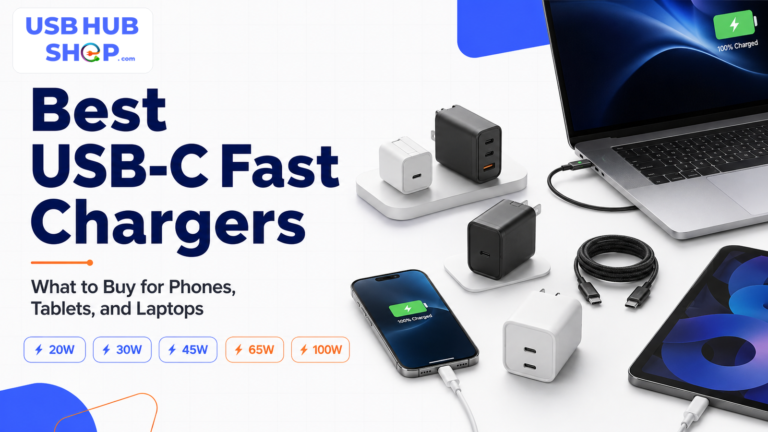
Not every USB-C charger block is the right fast charger for your device. This guide explains which wattage to choose for phones, tablets, laptops, Samsung PPS, iPhone, Pixel, travel, and multi-device charging.
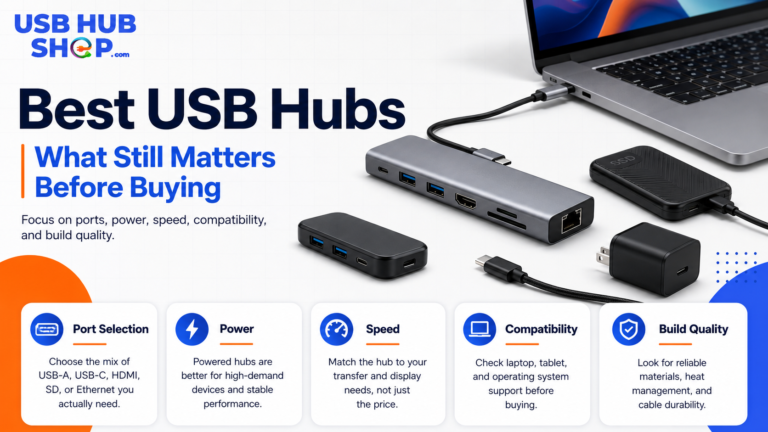
The best USB hub is not always the one with the most ports. Here is what still matters before buying a USB-C hub, powered USB hub, travel hub, or docking station.
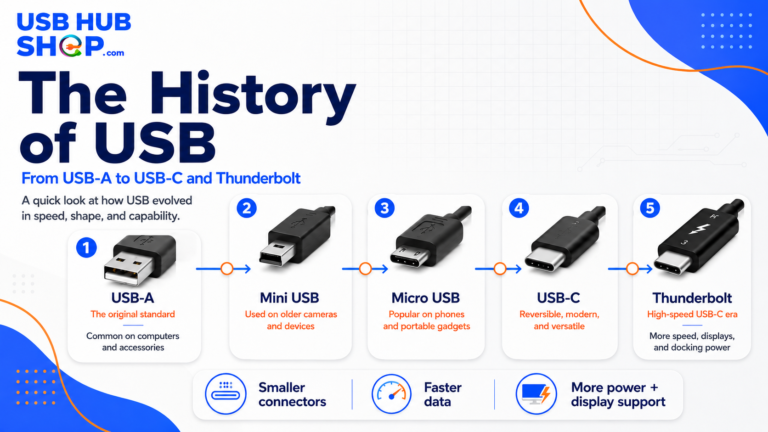
USB has changed from simple computer ports into the connector family behind modern hubs, chargers, docks, phones, laptops, storage, and Thunderbolt workflows.
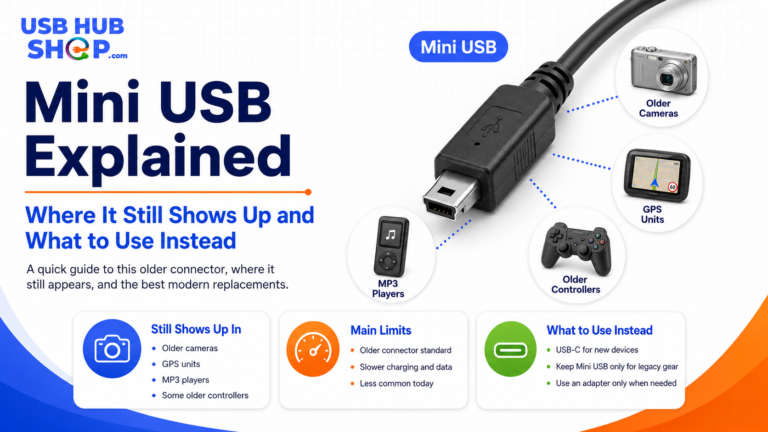
Mini USB is an older connector that still appears on some cameras, GPS units, controllers, and legacy accessories. Here is how to identify it, when to keep using it, and when to upgrade.
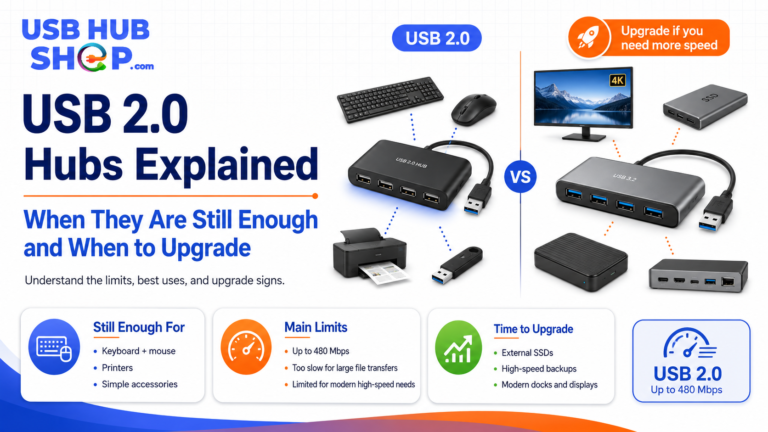
USB 2.0 hubs can still be useful for keyboards, mice, printers, receivers, and simple accessories — but they are not ideal for fast storage, modern USB-C setups, or high-speed transfers.
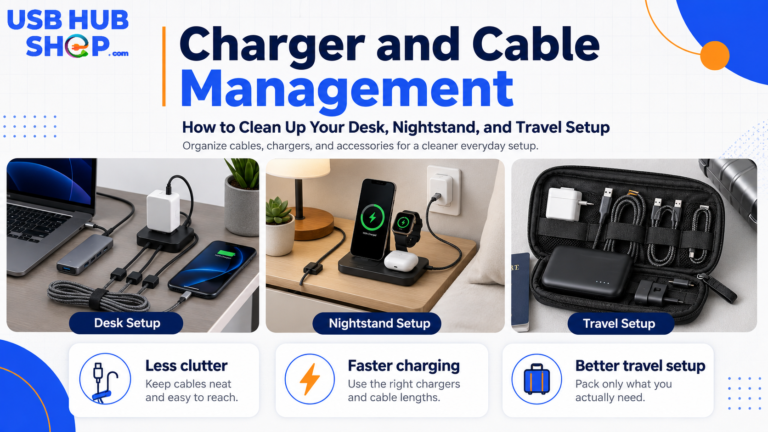
A clean charging setup starts with fewer chargers, better cables, and a smarter place for everything. Here is how to organize your desk, nightstand, and travel charging kit.
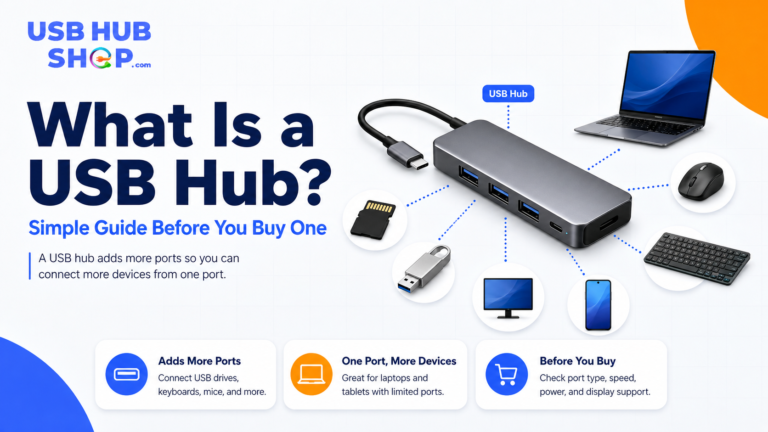
A USB hub adds more ports to your laptop, desktop, tablet, or workstation. This simple guide explains what a USB hub does, when you need one, and what to check before buying.